


Access control systems in Dubai have become an essential part of the overall security and management of a business. Gone are the days of distributing mechanical keys to staff members and completing timesheets for management to monitor employees’ arrival and departure times. Modern access control systems for businesses and organizations in Dubai have evolved to become a more secure, efficient and cost effective means of securing entrances and monitoring staff and tracking attendance in real time.
This article looks at the various methods of access control using biometric technology, such as fingerprint, face recognition and other RFID-based methods and how a time attendance system can be used in conjunction with an access control system. We will also explore the various options for businesses with multiple sites.
Access Control Systems Dubai, Time Attendance, Biometric & RFID Solutions
Access control systems for offices and facilities such as those found in Dubai manage access to buildings, doors, rooms and areas within them. They have advanced a long way from simple mechanical locks and keys and are now an integral part of modern security systems and business operations for facilities all over the world. What an access control system does, is to allow specific individuals to access a building, and certain parts or rooms of it, at specific times. This is where an integrated access control system and a time attendance system come together to manage the security of a building and the attendance of staff in the most efficient manner. This type of system is used by offices, warehouses, gyms and many other types of facilities and is also used by many multi-location companies.
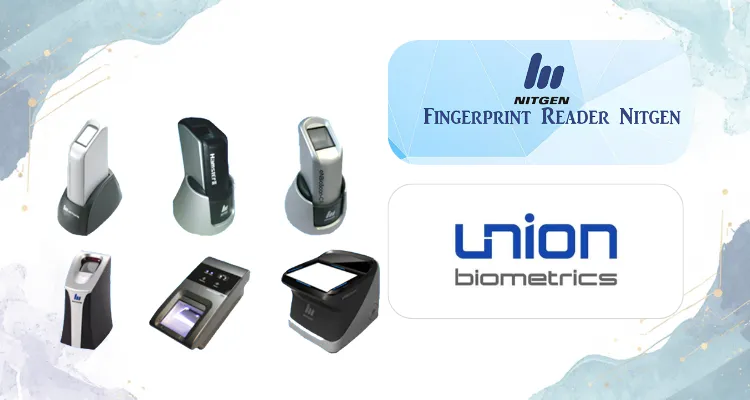
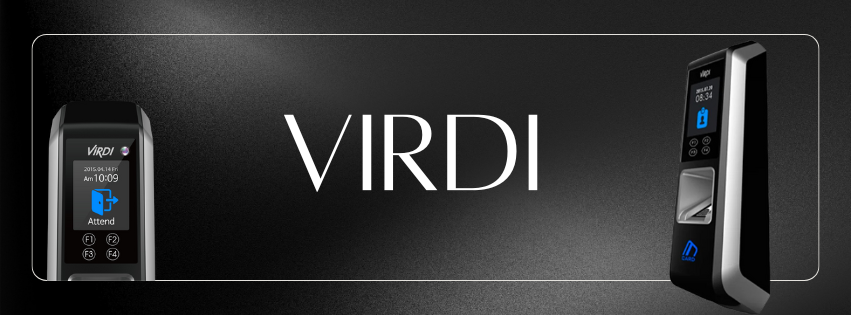
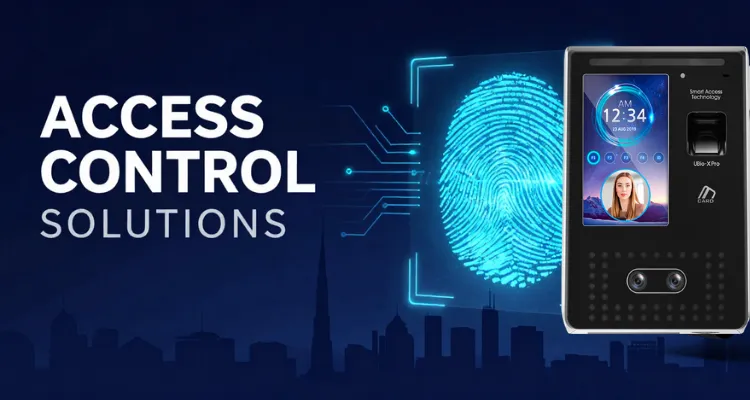
A typical access control system consists of various types of hardware, such as Fingerprint readers, Face recognition readers, RFID card readers, Electric locks and barriers and Turnstiles and gates, and a Software that manages the system, and enables the Admin to set up access rights for the users, such as time of day access, view reports of all access, etc. The system should be able to handle large numbers of employees, at various locations around the clock. Many facilities in Dubai are operating 24/7, and thus require an access control system that can manage to operate efficiently in such an environment.
Key Feature: Biometric Authentication and Identity Verification



Fingerprints cannot be lost, stolen, or even shared with another person. They make the ideal solution for any company that fears from time-theft of their employees. The biggest advantage that a biometric access control system in Dubai has over other types of access control systems is that a biometric system recognizes every individual every time he/she attempts to access a secured area. This, in turn, decreases the risk of misused access drastically, which in the worst case scenario can lead to severe security breaches as well as large financial losses.
The technology behind any type of a fingerprint access control system works in the following way:
- It first captures a fingerprint of a person and then it stores this fingerprint as a mathematical template, which is made out of the finger’s unique ridges and valleys.
- Then, whenever this person attempts to access a secured area again, his/her fingerprint is read and the system matches the newly read fingerprint with the stored mathematical template.
- If there is a match, access is granted to that individual.
Face recognition
For companies that require a more hands-free type of a recognition system, it is recommended to install a face recognition access control system in Dubai. Such a system is also known as a facial recognition access control system or simply a face recognition system.
It recognizes individuals by their faces. The system captures an individual’s face and then it stores this image as a mathematical template of the recognized individual’s face. This template is then compared with any newly recognized face in order to match it with the previously stored template.
In order to avoid cases where someone else’s picture is used to access secured areas, all face recognition systems that are sold in Dubai are equipped with liveness detection features. Such features recognize live individuals only and prevent any sort of a fraud that involves use of a picture of another individual. There are also 3D facial recognition systems available that recognize individuals in 3D, which makes them even harder to circumvent.
In many cases, a face recognition access control system is installed in conjunction with a fingerprint recognition system in order to provide multi-factor type of a recognition. The face recognition system can be used for recognition of most employees.
Core capabilities of biometric authentication in access control:
- The templates are stored on the actual reader (local) or on the server (centralized) and match against live fingerprint in a split second using a 1-to-many comparison.
- Face recognition templates are stored in a database as 2D images or 3D models, which are then compared to live scans of faces in order to verify the identity of the person in front of the reader.
- Multi-factor: Many systems today enable a combination of different access methods for increased security. For example, a person’s Fingerprint, their RFID access card and their PIN code are required to access a server room or the Finance department.
- Instant credential removal: remove an employee’s access rights instantly as the employee leaves a company, changes departments or moves jobs.
This Access Control system supports large number of users, typical found in various enterprises, warehouses and large multi-story buildings.
The Employee Attendance System is integrated with HR software (such as payroll) to record employees’ attendance. The system will process relevant data for HR-related activities such as labor-related inquiries for audits, etc.
Core Feature: Time Attendance Integration and HR Reporting
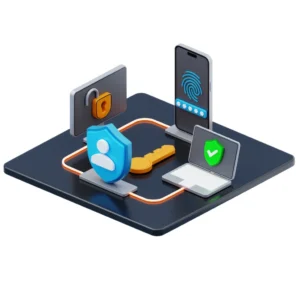
When the access control system for a company in Dubai is integrated with the time and attendance system, then the benefits of the employee attendance system in Dubai increase dramatically.
By integrating the time and attendance system with the access control system, for example using a fingerprint time and attendance reader or facial recognition time and attendance system, then all of the time and attendance records are taken by biometric access control system automatically, with exact time and date stamp for every event. The employee time and attendance system software then processes the raw events against the pre-defined shift parameters for each employee.
The attendance system stores the attendance data against shift rules. These rules are created to manage employees on multi-shift, night shift, or even split shift. The system will account for public holidays and special events as well as for a certain period of time for latecomers. Attendance reports can then be generated and viewed by the HR managers. The attendance reports will be able to provide details on employees such as their lateness, absences, as well as the amount of overtime that they have worked. The reports can also be viewed in departmental basis. This is particularly relevant in locations such as Dubai where many companies are 24 hours and have multiple sites. Accurate records of attendance of employees is crucial so that they can be paid on time.
A biometric employee attendance system in Dubai supports important labor laws requirements, mainly the creation of an access log that lists the access times for all employees. An access log creates a clear and tamper-proof proof record that can be used during audits, disputes and also verification by third parties of labor related information. A large portion of the hourly paid workforce in various industries across the Dubai and the UAE would need such audits, verification and disputes from time to time. Hence a biometric employee attendance system in a facility would suffice to manage all labor related aspects and thereby justify the necessary investment by facilities managers across the region.
Build and Design: Hardware Components That Define System Reliability.
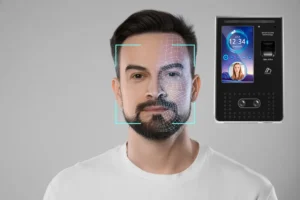
Components of an access control system typically consist of door mounted reader(s) of biometric and/or RFID type, door controllers, electric strikes or locks and accessories like turnstiles or speed gates for lobbies. Reader housing typically is made of ABS plastic or metal and is assigned an IP rating of 65 or higher to guarantee operation in outdoor environments or so called dusty environments. Wall mounted access control terminals are mounted at a height that is easily accessible by everyone and the biometric sensor is sitting on the face of the reader. For face recognition terminals are best mounted at eye level and in locations where the ambient light is always the same. Changes in ambient light negatively affect recognition by a system.
As previously mentioned, access control reader housings are generally provided in ABS plastic or metal alloy structures. These housings are typically provided as wall mounted terminals, with door mounted reader housings of IP65 rating or higher provided where necessary. Face recognition terminals are generally mounted at eye level, typically containing a single sensor on the face recognizing end of the terminal. Great care must be taken when mounting any type of reader, particularly face recognition terminals, to ensure that the terminal is provided at the correct height and that the surrounding ambient lighting is consistent as varying lighting can greatly affect face recognition. Turnstiles are also often provided integrated with access control systems, designed to manage large volumes of users passing through single points, often found in large corporate towers and production facilities. The use of door electric strikes and locks (magnetic locks) are also commonly found, allowing for secure access to controlled areas. All door controllers and accessories are powered via uninterruptible power supplies, crucial in 24/7 operations where any power failure could result in significant losses to the business. This is particularly so in Dubai and other UAE locations.
Connectivity: Integration With CCTV, HR Systems, and Building Management
For large commercial and multi-story facilities, many access control systems can be connected to and interact with other systems such as a video management system or CCTV installation. For example, in a restaurant or other facility with a large number of doors, every time a person enters or leaves the facility using a door with a biometric employee attendance system Dubai installed, the system logs an event for that door. This event is also logged on the video management system or CCTV system as video of the person. Access control systems can also be integrated with a number of different HR systems and payroll packages. This can be done via an API (application programming interface) or in some cases, the data collected by a biometric employee attendance system can be exported from the system in a number of different formats and then imported into the relevant HR or payroll system. For example, a number of systems on the market have been configured to export time and attendance data from the system in a format that can be read by a number of different payroll packages used by organizations throughout the UAE.
An access control system can also be used to send entry and exit events from an attendance system to an HR/Payroll system. The Time Attendance Integration and HR Reporting core feature is used to export data from the attendance system in an API or suitable file format to be read by an HR/Payroll software package. The HR Reporting core feature of the time attendance system provides reporting of employee attendance data via an interface that displays reports of attendance data in an HR styled reports interface. As the data is automatically uploaded from the attendance system to the time attendance system there is no need for the typical manual re-keying of data from the time attendance system to update related data within an HR or payroll system. In addition to the benefits to the organization as a whole the integrated system also provides a means to automatically update a building management system (BMS) of the current building occupancy, thus enabling optimal management of systems such as HVAC and lighting to ensure maximum cost savings. In addition, the access control system can be hosted in a cloud-based server located anywhere in the world, thus supporting a multi-site organization with offices in multiple locations throughout the UAE. In this scenario, security administrators at head office can access all sites remotely via a secure web portal, adding door unlocking and changes to employee access rights and associated access levels functionality to the access control system via a mobile application.
Who Should Buy Access Control Systems in the UAE?

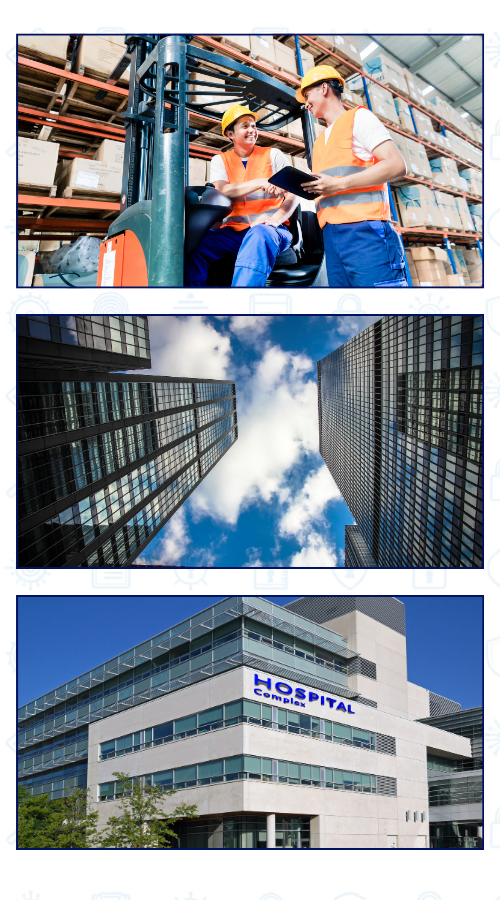
Offices & Corporate Environment. Office Buildings in Dubai and Abu Dhabi can benefit from an employee attendance system like our Access Control System for Dubai (Server room access, data center access, time and attendance of IT staff, multi-factor authentication systems).
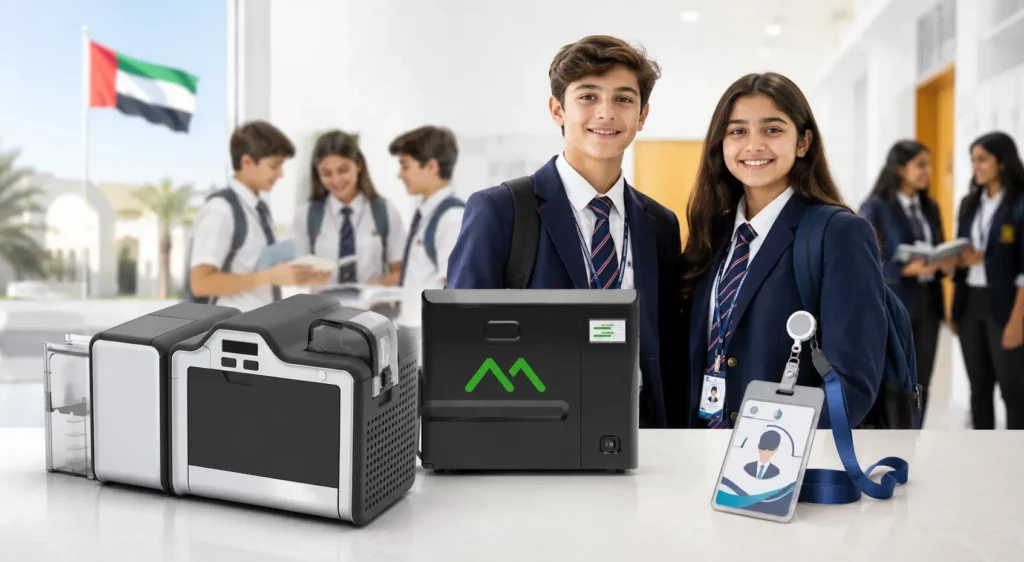
In terms of the types of industry for which we provide access control systems at Access Control Dubai there are many different types of industry. However for a start there are the large number of warehouses throughout the UAE that employ large numbers of people on a shift basis. Many of these warehouses will have different areas that are hazardous to employees and other areas of high value. In these types of establishments the loss of time and money due to inaccurate shift attendance is a huge problem that can be solved greatly by the use of an access control system for the management of labor. Turnstiles with integrated RFID card readers are a great example of an access control system and are used by many gyms and health clubs around the world for the time controlled access of club membership. Schools throughout Dubai are also becoming very popular for the access control system for the control of access to and from access of all students and staff of a school. There are also many Retail establishments that require access to stockrooms by employees as well as many large commercial buildings with multiple tenants on multiple floors where each floor has its own separate access control system for door access by tenants.
Access Control Systems vs Traditional Key and Card-Only Systems: Which One Is Right for Your Use Case?
A lot of countries around the world have their own access control systems in place and this is also the case in the UAE. Many buildings and companies use proximity card-only systems or even simple mechanical key systems. The issue with these systems is that as they grow, the disadvantages far outweigh the advantages. In this section, we compare the biometric integrated access control system to the traditional access control system.
| Feature | Biometric Access Control System | Traditional Card or Key System |
| Authentication Method | Fingerprint, face recognition, RFID, or multi-factor authentication | Proximity card, PIN, or mechanical key |
| Identity Verification | Linked to an individual’s biometric data and cannot be shared | Cards or keys can be shared, lost, or stolen |
| Time Attendance Integration | Built-in attendance tracking through access events | Requires separate hardware or manual attendance logging |
| User Capacity | Supports hundreds to tens of thousands of users | Limited by available cards, keys, or credential stock |
| Transaction Logging | Complete digital audit trail with timestamps and user records | Limited logging capabilities or no audit trail |
| Remote Management | Cloud-based or network-managed with remote administration | Typically managed on-site with manual updates |
| Credential Revocation | Instant revocation across all access points through software | Requires physical key retrieval or card deactivation |
| Scalability | Easily expands to additional doors, users, and locations via software | Expansion requires additional hardware and physical modifications |
| Installation Environment | Available in indoor and outdoor-rated configurations | Generally limited to indoor lock hardware applications |
| Best For | Large organizations, multi-site facilities, and HR-integrated security environments | Small premises with basic security and minimal compliance requirements |
Access Control Systems UAE: Frequently Asked Questions
How much does an access control system cost in the UAE?
Access control system prices in the UAE vary by project because costs depend on the number of doors, the type of readers (biometric vs. RFID), software licenses, and system integration. You can find detailed packages and request custom quotes directly on etopme.ae.
Where can I buy access control systems in Dubai?
You can buy authorized commercial access control and biometric systems online at etopme.ae. The platform offers expert product selection advice, free quotes from top UAE security companies, and country-wide after-sales support.
Do access control systems come with a UAE warranty?
Yes, access control systems purchased through authorized UAE sellers include a 1 to 3-year warranty on hardware parts and a lifetime warranty on software.
Is biometric access control better than card-only systems?
Yes, biometric access control is highly secure because credentials cannot be lost, stolen, or shared (“buddy-punching”). While card-only RFID systems are simpler to install, they incur continuous long-term costs for replacing lost or damaged cards.
Can access control systems integrate with HR and payroll software?
Yes, biometric attendance systems integrate with UAE HR and payroll software either through a direct API connection for real-time syncing or via automated data exports (CSV/Excel format).
What components are included in a typical access control installation?
A standard commercial installation package includes:
-
Hardware: Biometric or RFID door readers, door controllers (access panels), and electromagnetic locks.
-
Infrastructure: Certified power and data cabling.
-
Software: User management and reporting software licenses.
-
Optional: Turnstiles, visitor management systems, and UPS battery backups.
Is facial recognition access control reliable in the Dubai environment?
Yes, enterprise-grade facial recognition systems are highly reliable in Dubai. They feature advanced sensors that adapt to harsh lighting and climate conditions, alongside AI-driven liveness detection to prevent fraud attempts using photos, videos, or masks.
If you are evaluating access control or biometric attendance solutions for your business in Dubai or anywhere across the UAE, eTOP is a practical starting point for understanding what is available, what suits your specific environment, and how to move forward. The team can help you identify the right system for your building size, workforce, and integration requirements without any pressure. Visit etopme.ae to request details on availability, configuration options, and pricing tailored to your needs.