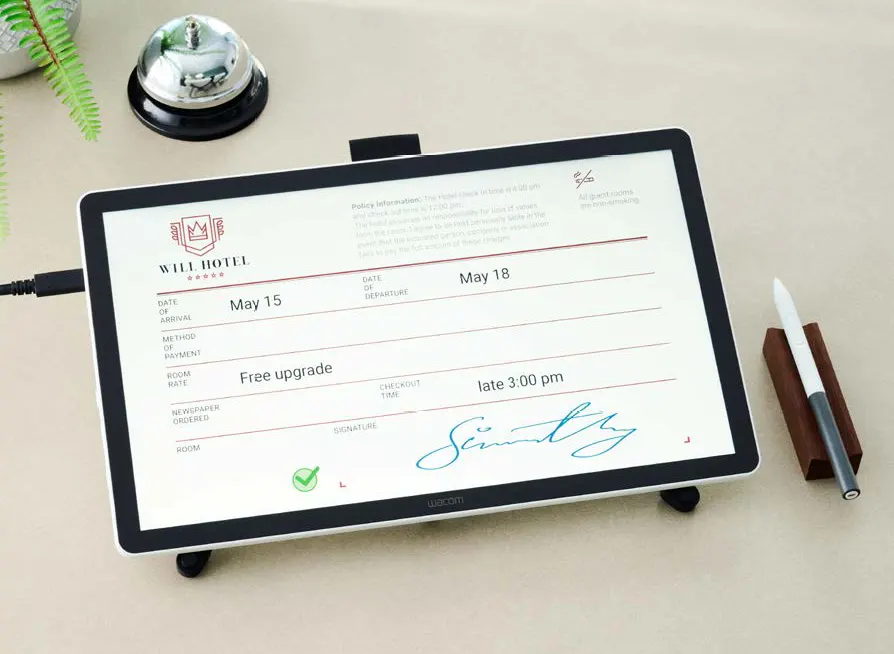




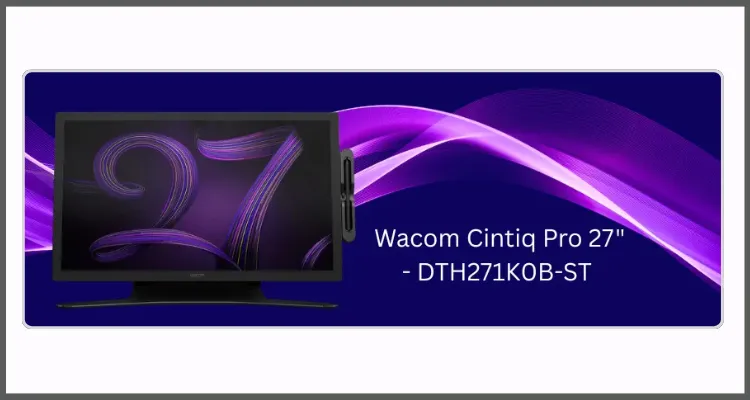
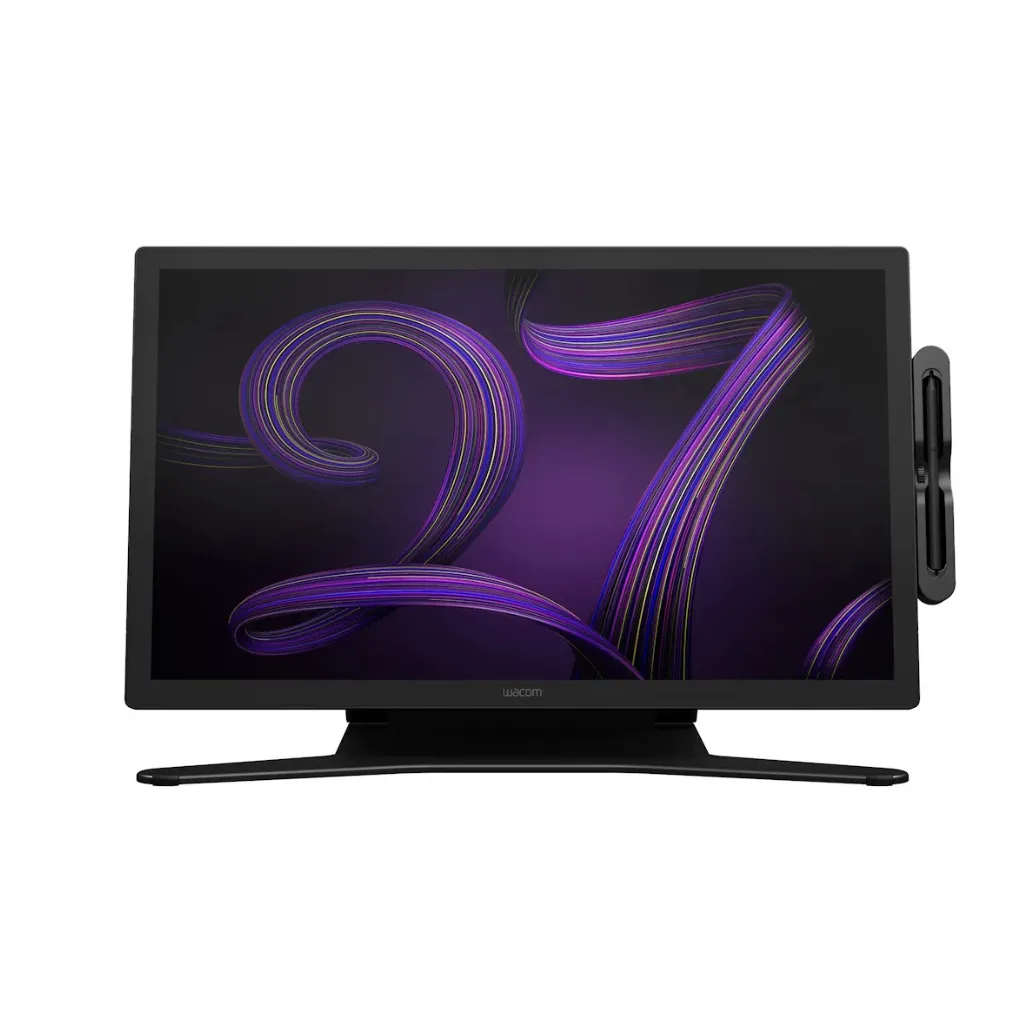
Wacom Cintiq Pro 27 with stand | 4k Display with 120HZ | 27 Inch Screen | Wacom Pro Pen 3 | Multi-Touch | Compatible with Windows and Mac | DTH271K0B-ST
The Wacom Cintiq Pro 27 represents a significant leap forward in professional pen display technology, combining cutting-edge hardware with intuitive design to create what many consider the ultimate creative workstation. Whether you’re a digital illustrator, 3D artist, photographer, or motion designer, understanding the full capabilities of this premium graphics tablet can transform your creative workflow and unlock new possibilities in your work.
In this comprehensive guide, we’ll explore the ten most important features that make the Wacom Cintiq Pro 27 pen display stand out in today’s competitive market, helping you determine if this investment aligns with your artistic needs and professional goals.
1. The Display Quality
Resolution and Color Accuracy
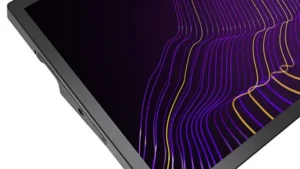
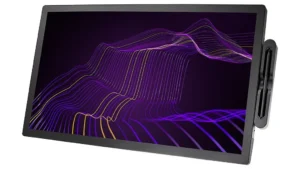
The Wacom Cintiq Pro 27 features a stunning 4K UHD display that delivers exceptional clarity and detail for professional creative work. Here’s what makes this display stand out:
Display Specifications:
- Resolution: 3840 x 2160 pixels (4K UHD)
- Color Gamut: 99% Adobe RGB coverage
- Brightness: Up to 300 cd/m²
- HDR Support: Yes, for enhanced contrast and luminance
- Surface: Anti-glare etched glass for paper-like drawing experience
Key Benefits:
- Professional-grade color accuracy that matches final output
- Advanced color calibration technology built-in
- Excellent visibility even in well-lit studio environments
- Reduced reflections for comfortable extended work sessions
- Subtle detail visibility in both highlights and shadows
Screen Size and Aspect Ratio
Why the 27-inch Size Matters:
*Ample workspace for complex compositions
*Less zooming and panning required
*Better visibility of intricate details
*Comfortable viewing angles
*Reduced neck and eye movement
The 16:9 Aspect Ratio Advantage:
*Perfect alignment with modern video production standards
*Ideal for motion graphics artists and animators
*Excellent for video editing workflows
*Comfortable for multi-layered compositions
*Better ergonomics during long work sessions
2. The Creative Pen & Touch Display
Pen Pressure Sensitivity
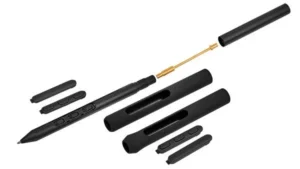
The Pro Pen 3 is the technological heart of the Wacom Cintiq Pro 27 creative pen & touch display, offering unparalleled precision and control.
Pro Pen 3 Specifications:
*Pressure Levels: 8,192 levels of sensitivity
*Battery: None required (electromagnetic resonance technology)
*Weight: Balanced for reduced hand fatigue
*Initial Activation Force: Extremely light touch detection
*Customization: Adjustable pressure curves
What This Means for Your Artwork:
*Nuanced control over brush strokes and line weight
*Subtle variations that mimic traditional media
*Delicate shading techniques possible
*Fine detail work with precision
*Consistent performance without charging interruptions
*Personalized pen response matching your drawing style
Tilt Recognition
Tilt Capabilities:
- Recognition Range: Up to 60 degrees
- Real-time Response: Instant brush behavior adjustment
- Software Integration: Works with most professional creative applications
Creative Applications:
- Natural shading techniques like traditional pencils
- Automatic brush shape adjustment based on angle
- Opacity control through tilt
- Texture variation for organic marks
- Quick gestural sketching support
- Dynamic mark-making for concept artists
3. Ergonomic Design
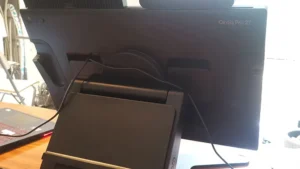
Wacom Cintiq Pro 27 Arm
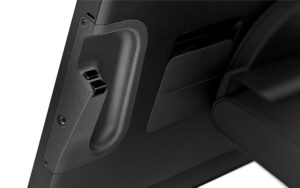
The wacom cintiq pro 27 arm compatibility transforms your workspace into a flexible, ergonomic creative environment.
VESA Mounting Benefits:
- Full 360-degree positioning freedom
- Smooth, fluid adjustments throughout the day
- Height customization for optimal posture
- Distance adjustment for comfortable viewing
- Angle flexibility from flat to upright
Ergonomic Advantages:
- Reduced strain on neck, shoulders, and back
- Switch between drawing and monitoring positions
- Prevent repetitive strain injuries
- Create a virtually floating workspace
- Professional studio-quality setup
- Optimal posture maintenance during long sessions
Adjustable Stand Options
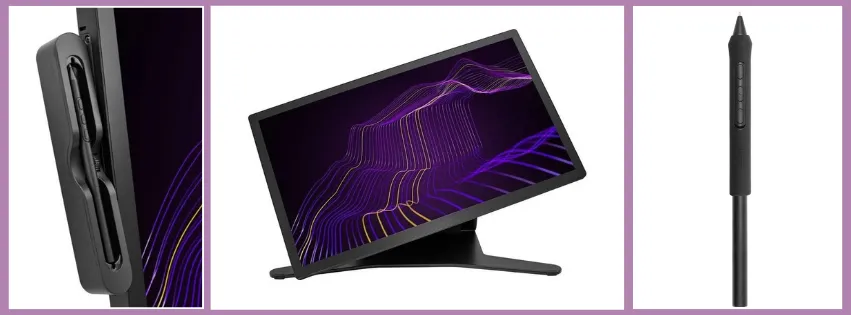
Wacom Cintiq Pro 27 Stand Features:
- Angle Range: 5 to 20 degrees
- Construction: Sturdy, stable design
- Adjustment: Smooth operation with secure locking
- Stability: Minimal wobble during vigorous drawing
Stand Positioning Options:
- Nearly flat orientation for precise drawing
- Moderate angle for painting work
- Upright position for photo editing
- Secure locking at any chosen angle
- Third-party stand compatibility available
4. Performance and Responsiveness
Low Latency
Performance Metrics:
- Lag Time: Near-zero latency
- Visual Feedback: Virtually instantaneous
- Cursor Accuracy: Precise pen tip positioning
- Line Quality: Smooth and fluid at all speeds
Why Low Latency Matters:
- Natural drawing experience similar to paper
- Confident mark-making without hesitation
- Precise control for technical illustrations
- Rapid sketching techniques supported
- Reduced disconnect between hand and screen
- Smooth performance with complex brushes
Connection Options
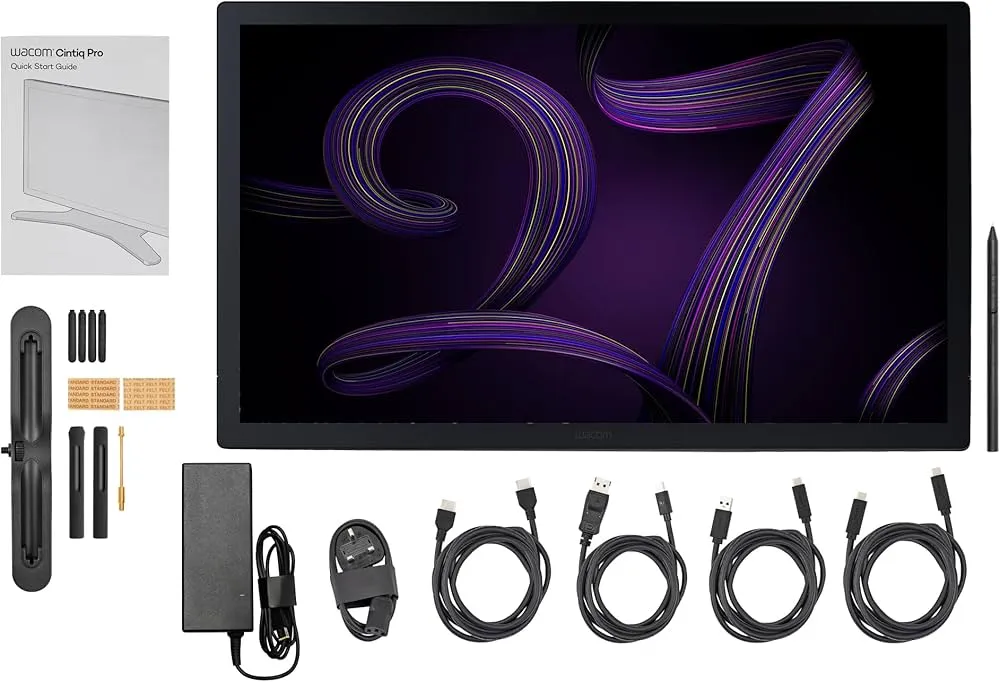
Available Connections:
- USB-C (single-cable solution for compatible computers)
- DisplayPort
- HDMI
- Built-in USB hub for peripherals
Connectivity Advantages:
- Wide compatibility with professional workstations
- Both Windows and Mac support
- Single-cable convenience with USB-C
- Easy switching between multiple computers
- Peripheral hub eliminates cable clutter
- Professional-grade workstation integration
Comparison Wacom Cintiq Pro 24 vs Wacom Cintiq Pro 27
| Specification | Wacom Cintiq Pro 24 | Wacom Cintiq Pro 27 |
|---|---|---|
| Screen Size | 24 inches | 27 inches |
| Screen Area | ~258 sq inches | ~325 sq inches |
| Additional Space | Base model | +26% more workspace |
| Resolution | 4K UHD (3840 x 2160) | 4K UHD (3840 x 2160) |
| Color Accuracy | 99% Adobe RGB | 99% Adobe RGB |
| Weight | ~15 lbs (6.8 kg) | ~15.4 lbs (7 kg) |
| Desk Space Required | Moderate | Larger |
| Price Difference | Lower | Approximately $500–800 more |
| Portability | More manageable | Less portable |
| Best For | Limited desk space, mobility | Maximum workspace, permanent setup |
| Multi-Touch | Optional with physical switch | Optional with physical switch |
| Connectivity | USB-C, DisplayPort, HDMI + USB-A | USB-C, DisplayPort, HDMI + USB-A |
| Pen Technology | Pro Pen 2 – 8,192 pressure levels | Pro Pen 3 – 8,192 pressure levels |
| HDR Support | Yes | Yes |
| Pantone Validation | Yes | Yes |