What Is KYC Verification?
KYC verification is the process a business uses to confirm that a customer is who they say they are before it opens an account, signs a contract or delivers a regulated service. KYC stands for “know your customer”. In the UAE, the documents behind most checks are the Emirates ID for residents and citizens and the passport for visitors, so the quality of a KYC desk depends on how accurately it captures and checks those two documents.
Banks, exchange houses, insurers, telecom shops, real estate brokers, car rental desks, typing centres and hotels all run some form of identity check. The rules that apply differ by sector and regulator, but the practical problem is the same everywhere: staff must capture identity data quickly, without typing errors, and keep a record that stands up to an audit.
Short answer: read the Emirates ID chip at fixed desks, scan passports with a document scanner, and use mobile OCR only where a desk reader is not practical.
KYC vs eKYC: What Changes When Verification Goes Digital
eKYC (electronic KYC) is the same identity check carried out with digital tools instead of photocopies and handwritten forms. Data is read from the document electronically, checked by software and stored as a structured record rather than a scanned image.
- Paper KYC: staff photocopy the ID, copy details onto a form and file it. It is slow, and errors from retyping names and numbers are common.
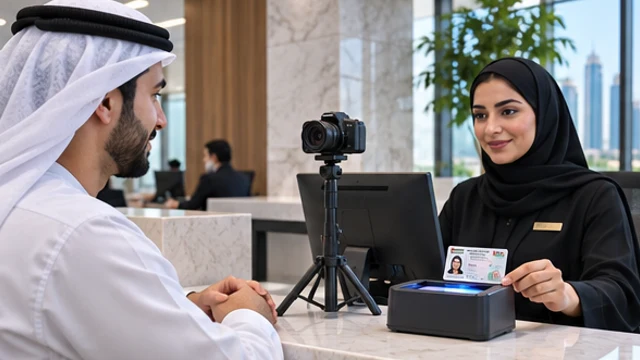
- Assisted eKYC: the customer is at a counter; a card reader or document scanner captures the data and the staff member compares the face with the ID photo.
- Remote eKYC: the customer uses a phone app; the camera reads the document and a face check confirms the person holding the phone matches the ID photo.
Most UAE organisations that serve walk-in customers run assisted eKYC at the counter, and some add a remote channel for app sign-ups.
The Four Steps of KYC Verification
Whatever the sector, a KYC verification flow follows the same four steps. The tools change; the logic does not.
1. Collect the identity document
Ask for the original Emirates ID, passport or GCC national ID. Check the expiry date before anything else, because an expired document stops the process.
2. Read and check the document
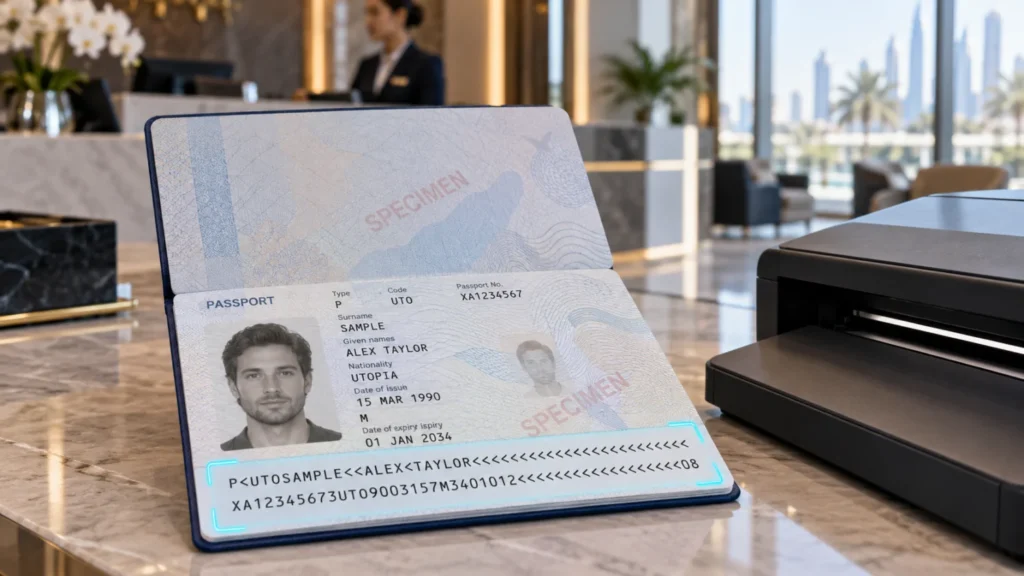
Capture the data electronically rather than by hand. An Emirates ID reader reads the data stored on the card chip. A passport scanner images the photo page and reads the machine readable zone (MRZ), whose check digits flag mistyped or altered numbers. See our MRZ passport guide for how those check digits work.
3. Match the person to the document
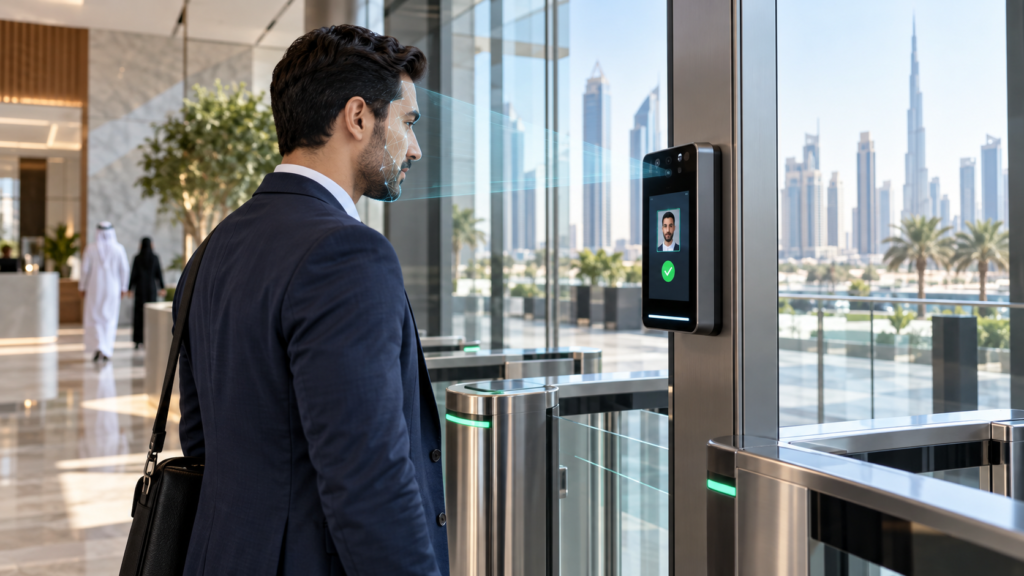
At a counter, staff compare the customer’s face with the ID photo. In remote onboarding, software compares a live selfie with the document photo and runs a liveness check so a printed photo or screen replay is rejected.
4. Record, screen and keep the result
Save the captured fields to your core system or CRM with a timestamp and the name of the staff member. Sanctions and watch-list screening is normally handled by a separate compliance tool that receives these same fields.
Which Documents UAE KYC Desks Check
- Emirates ID: the national identity card for UAE citizens and residents, issued by the Federal Authority for Identity, Citizenship, Customs and Port Security (ICP). It carries a chip that a compatible reader can read. Our Emirates ID card reading software page explains what can be captured and exported.
- Passport: used for tourists, new arrivals and non-residents. The MRZ on the photo page is readable by passport scanners; many passports also carry an e-passport chip.
- GCC national ID cards: common at hotels, banks and exchange houses serving visitors from neighbouring countries.
- Company documents: for business customers, KYC extends to the trade licence and the IDs of owners and signatories, often called KYB (know your business).
Ways to Capture ID Data for KYC Verification
The right capture method depends on where the customer is and how many documents you process each day.
Emirates ID chip readers
A desktop smart card reader such as the HID Omnikey 3121 USB reader reads the Emirates ID chip over USB. Paired with reading software, the card data goes straight into a form or database with no typing. See also our Emirates ID card reader and the Thales Gemalto CR5400 double-sided ID card reader, which reads both sides of a card without flipping it.
Passport and ID document scanners
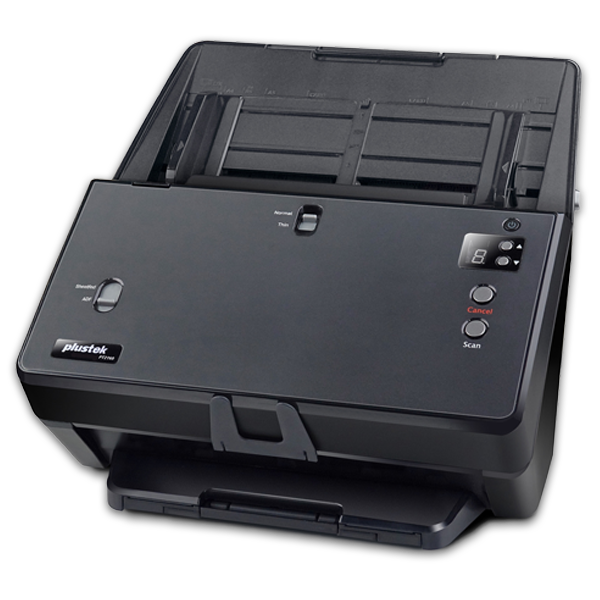
Desktop document scanners capture the passport photo page and read the MRZ in one pass. They suit hotels, exchange houses and any desk that handles many nationalities. Browse our passport scanners and the Plustek passport scanner range.
Mobile OCR
A phone or tablet camera reads printed ID and passport data through an OCR SDK. It fits field sales, remote sites and app onboarding, but it reads the printed text, not the chip. Our guide to scanning Emirates ID with a passport scanner or mobile OCR compares both approaches, and the mobile OCR SDK for ID and passport page covers integration.
Self-service kiosks
A self-service kiosk with a passport scanner lets customers scan their own documents in a lobby, with staff reviewing the result.
KYC Verification Methods Compared
| Method | Best for | What it reads | Main limitation |
|---|---|---|---|
| Emirates ID chip reader | Bank, telecom and typing centre counters | Data on the Emirates ID chip | Emirates ID only; needs a desk and PC |
| Passport and ID scanner | Hotels, exchange houses, multi-nationality desks | Photo page image and MRZ | Fixed desk hardware |
| Mobile OCR | Field sales, remote sites, app onboarding | Printed text and MRZ via camera | Depends on lighting and image quality; no chip read |
| Self-service kiosk | Busy lobbies and repeat visitors | Document scan at the kiosk | Higher upfront cost; needs staff oversight |
| Manual entry from a photocopy | Very low volumes only | Whatever staff type | Typing errors and no electronic audit trail |
Many organisations combine methods: chip readers at counters and mobile OCR for field teams.
Common KYC Verification Mistakes
- Retyping ID numbers: one wrong digit in an Emirates ID or passport number breaks matching later. Electronic capture removes this step.
- Keeping only a photocopy: an image is not structured data, so it cannot be searched, validated or passed to screening tools.
- Ignoring expiry dates: capture the expiry field and flag records before the document lapses.
- No face check: reading a genuine document does not prove the person in front of you owns it.
- Weak storage: identity data is sensitive. Limit who can view or export it and log every access.
How eTOP Supports KYC Desks in the UAE
eTOP supplies the hardware and software that sit at the capture stage of KYC verification: Emirates ID readers, passport and document scanners, reading software and mobile OCR, plus integration into your existing systems through export files or an API. Screening, risk scoring and the compliance decision stay with your compliance platform and team.
The same captured ID data can also feed visitor management and staff onboarding, so one reader at reception serves several processes.
Frequently Asked Questions
What is KYC verification?
KYC verification is the check a business runs to confirm a customer’s identity before serving them. It means collecting an ID document, reading and checking it, matching the person to the document and keeping a record of the result.
What is the difference between KYC and eKYC?
eKYC is KYC done electronically. Instead of photocopies and handwritten forms, data is read from the ID chip or document image by a reader, scanner or phone camera, checked by software and saved as a structured record.
Which documents are used for KYC in the UAE?
The Emirates ID is the main document for UAE citizens and residents, and the passport is used for visitors and non-residents. Business customers also provide a trade licence and the IDs of owners and signatories.
Can a phone be used for KYC verification?
Yes, for remote onboarding a phone camera can read ID and passport text through OCR and run a selfie face match. It reads printed data rather than the chip, so counters that need chip-level reading usually keep a desktop reader.
Does reading an Emirates ID prove the customer is genuine?
No. Reading the card captures its data accurately, but staff or face-matching software must still confirm that the person presenting the card is its holder.