

What Is an MRZ Passport?
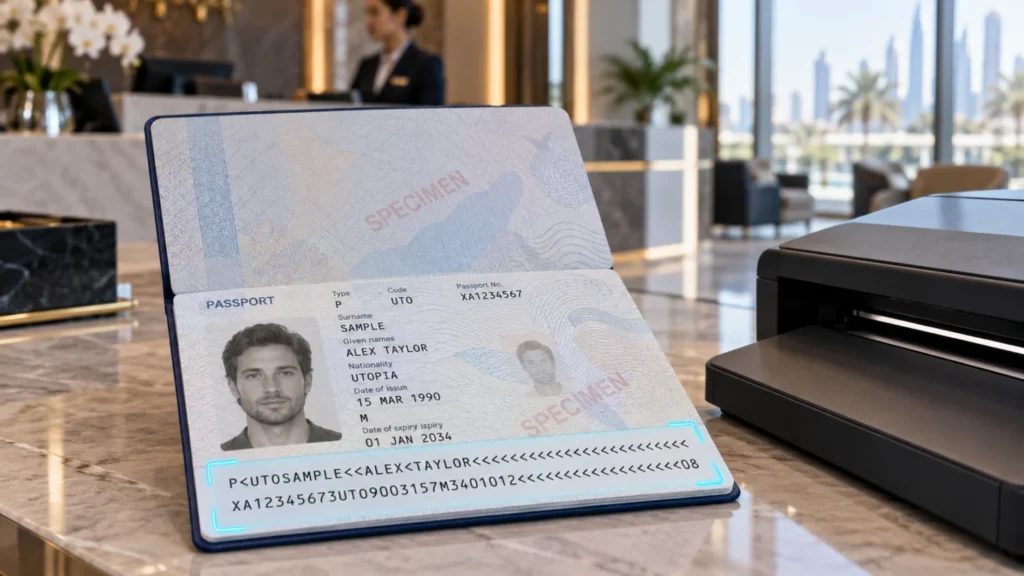
An MRZ passport is a machine readable passport: its photo page ends with two lines of uppercase letters, numbers and ‘<’ symbols called the machine readable zone (MRZ). A scanner or camera reads those lines in seconds and turns them into the holder’s name, passport number, nationality, date of birth and expiry date. UAE hotels, visitor desks, banks and travel agencies rely on the MRZ to register guests and customers without typing.
Quick takeaway: the MRZ is a fast, standard way to capture passport data, and its check digits catch most reading and typing mistakes. It does not prove a passport is genuine on its own. Where authenticity matters, pair MRZ reading with the e-passport chip or a full-page scanner that checks security features.
The layout follows ICAO Document 9303, the international standard for machine readable travel documents, so the same rules apply to passports from almost every country.
Where to Find the MRZ and What Each Line Holds
Open any modern passport at the photo page and look at the bottom edge. The MRZ on a passport (the ICAO TD3 format) is always two lines of 44 characters, printed in the OCR-B typeface so machines can read every character reliably. The ‘<’ symbol is a filler that stands for a space or an empty position.
Line 1: document type, issuing country and name
- Positions 1–2: document code. It starts with P for passport; the second character is the passport type or a filler.
- Positions 3–5: issuing state as a three-letter code, for example ARE for the United Arab Emirates.
- Positions 6–44: the name. The surname comes first, then <<, then the given names separated by single < symbols. Long names are cut off when the line runs out.
Line 2: numbers, dates and check digits
| Positions | Field | Format |
|---|---|---|
| 1–9 | Passport number | Letters and digits, padded with < |
| 10 | Check digit | For the passport number |
| 11–13 | Nationality | Three-letter code |
| 14–19 | Date of birth | YYMMDD |
| 20 | Check digit | For the date of birth |
| 21 | Sex | M, F or < |
| 22–27 | Expiry date | YYMMDD |
| 28 | Check digit | For the expiry date |
| 29–42 | Personal number or optional data | Set by the issuing country |
| 43 | Check digit | For the optional data |
| 44 | Composite check digit | Covers the number, birth date, expiry and optional data |
Worked Example: Reading a Specimen Passport MRZ
ICAO publishes a specimen passport for the fictional state of Utopia (code UTO). Its MRZ is a good way to practise:
P<UTOERIKSSON<<ANNA<MARIA<<<<<<<<<<<<<<<<<<<
L898902C36UTO7408122F1204159ZE184226B<<<<<10
- P<UTO— a passport issued by Utopia.
- ERIKSSON<<ANNA<MARIA— surname Eriksson, given names Anna Maria.
- L898902C3 then 6— passport number and its check digit.
- UTO— nationality.
- 740812 then 2— born 12 August 1974, with its check digit.
- F— female.
- 120415 then 9— expires 15 April 2012, with its check digit.
- ZE184226B<<<<< then 1— optional personal number and its check digit.
- 0— the composite check digit for the whole line.
Dates use only two digits for the year, so software decides the century from context. A birth year of 74 is read as 1974, and an expiry year of 12 as 2012.
How MRZ Check Digits Catch Errors
Every key field in the MRZ has a check digit, and this is what makes MRZ reading so dependable. If a scanner misreads one character, or a person mistypes it, the check digit no longer matches and the software flags the record.
The 7-3-1 method
- Convert each character to a number: digits keep their value, letters A to Z become 10 to 35, and the < filler counts as 0.
- Multiply by repeating weights: 7, 3, 1, 7, 3, 1 and so on, from left to right.
- Add the results and divide by 10: the remainder is the check digit.
Take the specimen birth date 740812: (7×7) + (4×3) + (0×1) + (8×7) + (1×3) + (2×1) = 49 + 12 + 0 + 56 + 3 + 2 = 122. The remainder after dividing by 10 is 2, which matches the check digit printed after the date.
The composite check digit at the end of line 2 runs the same calculation over the passport number, birth date, expiry date and optional data together, including their own check digits. It catches errors that slip past a single field check.
MRZ Formats Beyond Passports: TD1, TD2 and Visas
Passports are not the only documents with an MRZ. ICAO 9303 defines several sizes, and a reader or OCR engine has to know which one it is looking at.
| Format | Typical document | MRZ layout |
|---|---|---|
| TD1 | Credit-card size ID cards | 3 lines × 30 characters |
| TD2 | Larger ID cards and some travel documents | 2 lines × 36 characters |
| TD3 | Passport books | 2 lines × 44 characters |
| MRV-A | Full-size visa stickers | 2 lines × 44 characters |
| MRV-B | Smaller visa stickers | 2 lines × 36 characters |
For a UAE front desk this matters because guests and visitors present a mix of passports, national ID cards and visas. A reader that supports all ICAO formats handles the whole queue instead of only passports.
MRZ vs E-Passport Chip: What Each One Proves
The MRZ and the e-passport chip are often confused, but they do different jobs.
- MRZ: printed text that anyone can read, copy or reprint. Check digits prove the data is internally consistent, not that the passport is real. A forger can produce a correct MRZ.
- E-passport chip: stores the same personal data plus the photo, digitally signed by the issuing country. A chip-enabled reader can verify that signature, which is much harder to fake.
- How they work together: under the Basic Access Control method, the reader uses the passport number, date of birth and expiry date from the MRZ to unlock the chip. So even chip reading starts with the MRZ.
In practice, MRZ-only reading suits fast data capture where staff also see the document in person. Full-page scanners add images under visible, infrared and ultraviolet light to check security features, and chip readers add digital verification for higher-risk workflows such as bank onboarding.
How UAE Businesses Read the MRZ
Most organisations do not decode the MRZ by eye. They use a device or camera that reads it and passes the fields straight into their software.
Where the MRZ saves time
- Hotels and serviced apartments: guest registration at check-in without retyping passport details.
- Corporate receptions and sites: visitor and contractor sign-in linked to a visitor management system for badges and host alerts.
- Banks, exchange houses and telecom shops: customer onboarding and KYC records with fewer typing errors.
- Travel agencies and typing centres: filling visa and booking forms directly from the passport.
Ways to read an MRZ
| Method | What it captures | Best fit |
|---|---|---|
| MRZ swipe reader | MRZ lines only | Busy counters that only need the data fields |
| Full-page passport scanner | Whole data page, photo and MRZ; chip on supported models | Hotels, banks and government counters that keep a document image |
| Kiosk passport reader | Whole data page and MRZ inside a self-service terminal | Self check-in kiosks and unattended registration |
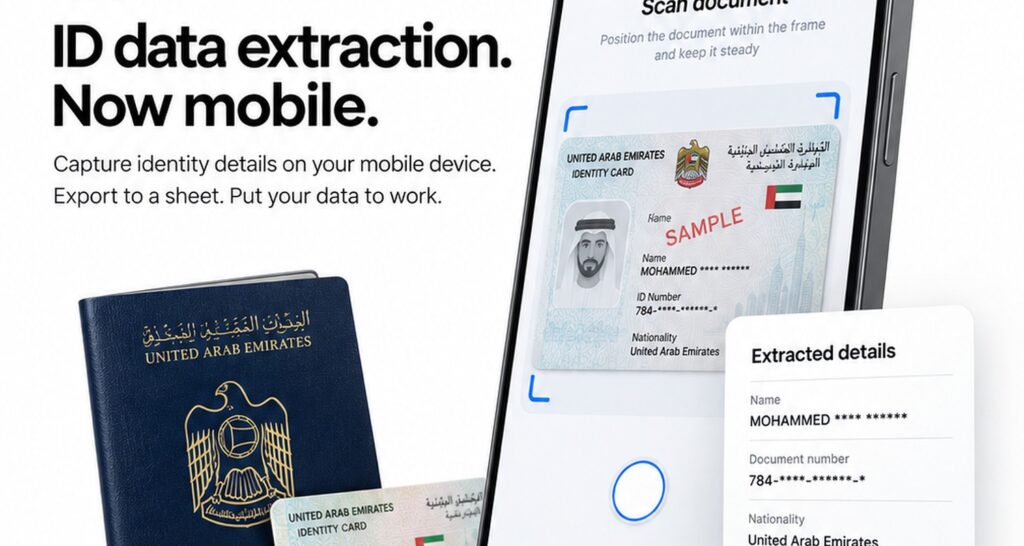
| Mobile OCR | MRZ and printed fields from a phone or tablet camera | Gates, remote sites and mobile staff |
eTOP supplies each option in the UAE. The Thales Gemalto CR100 MRZ swipe reader captures the OCR-B lines over USB. Full-page models are listed under passport scanners , and our guide to the best passport scanners in the UAE compares scanner types and buying criteria. For self-service, see the Sinosecu kiosk passport reader , and for camera capture, the mobile OCR SDK for ID and passport .
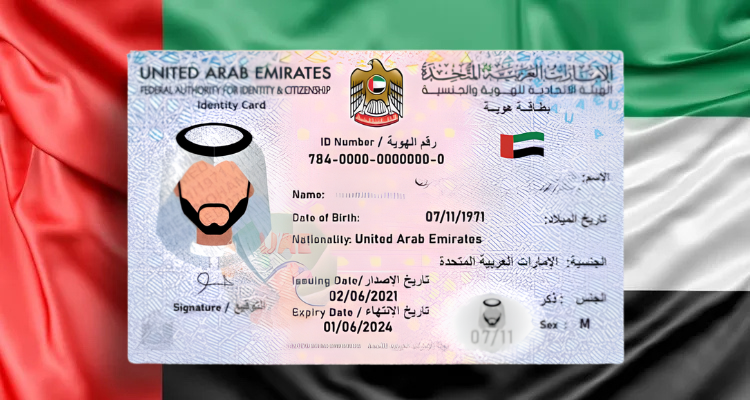
Not sure whether a desk reader or a tablet fits your entrance? Our comparison of passport scanners and mobile OCR for visitor check-in walks through both. Teams that also register Emirates ID holders can combine MRZ capture with Emirates ID card reading software .
Common MRZ Reading Problems and How to Avoid Them
- Glare and reflections: laminated data pages reflect light, especially under phone cameras. Dedicated scanners control the lighting; with mobile OCR, tilt the passport slightly and avoid direct overhead light.
- Worn or damaged pages: scratches, stamps or water damage across the bottom lines cause misreads. The check digits will usually flag them, so staff know to check the field manually.
- Truncated names: long names are cut to fit the line, so the MRZ name may be shorter than the printed name. Use the printed name field where full spelling matters.
- Non-Latin names: the MRZ only uses A to Z, so Arabic and other scripts appear in a transliterated form that can differ from other records.
- Two-digit years: make sure your software applies sensible century rules so a birth year of 05 and an expiry year of 30 are both read correctly.
- Similar characters: the letter O and digit 0 look alike to people. OCR-B and check digits help machines, but manual entry is where these errors creep in.
Frequently Asked Questions
What does MRZ stand for on a passport?
MRZ stands for machine readable zone. It is the two lines of letters, numbers and < symbols at the bottom of the passport photo page that scanners and OCR software read automatically to capture the holder’s details.
How many characters are in a passport MRZ?
A passport MRZ has two lines of 44 characters each, 88 in total. ID cards use shorter formats, such as three lines of 30 characters on credit-card size documents, as defined in ICAO Document 9303.
What information is in the MRZ?
The MRZ holds the document type, issuing country, surname and given names, passport number, nationality, date of birth, sex, expiry date and optional personal number, plus check digits that confirm each key field was read correctly.
Does the MRZ prove a passport is genuine?
No. The MRZ only shows that the printed data is consistent. To check authenticity, use a full-page scanner that inspects security features under infrared and ultraviolet light, or a reader that verifies the e-passport chip’s digital signature.
Can a phone read a passport MRZ?
Yes. Mobile OCR software can read the MRZ from a phone or tablet camera. It suits gates and remote sites, while dedicated scanners give more consistent results at busy desks because they control lighting and positioning.