
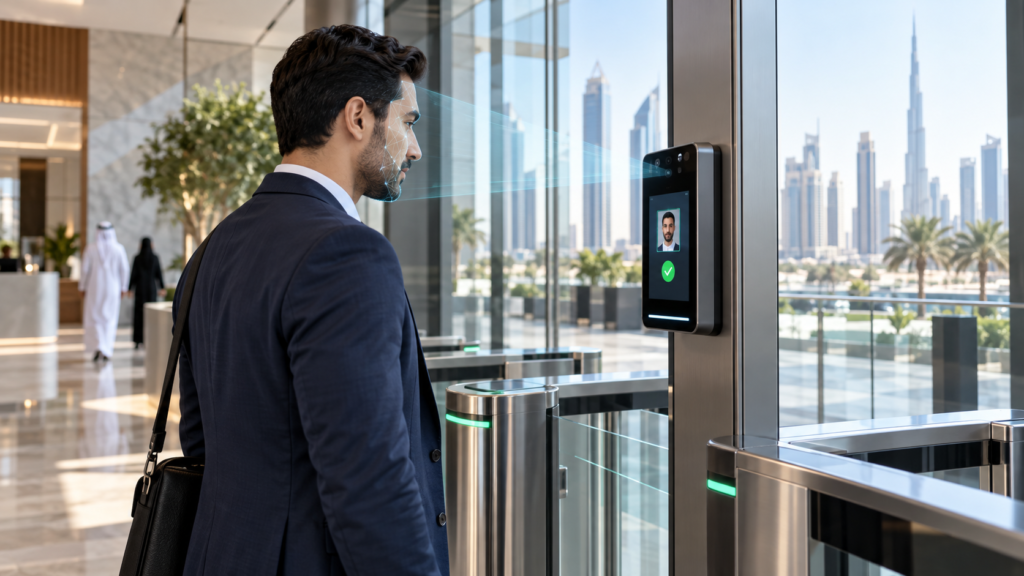
What is a face recognition system?
Aface recognition systemidentifies people from a live camera image so they can clock in, open a door, or pass a gate without a card or PIN. In the UAE it is used in offices, labour camps, schools, gyms and visitor lobbies where contactless speed and audit trails matter.
Choose face when you need hands-free throughput and fewer forgotten cards; keep fingerprint or card as fallback for dusty sites, PPE-heavy floors, or users who prefer another modality.
How a face recognition system works
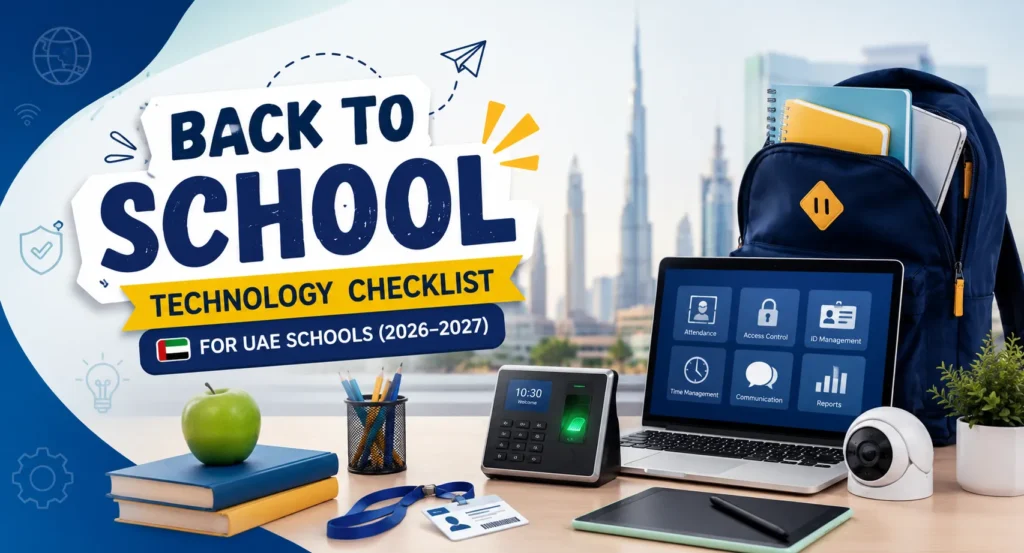
Most business deployments combine three parts: a face terminal at the door or turnstile, attendance or access software, and optional links to payroll, HRMS or visitor tools.
- Enrolment— a short template is captured at the device or in software (not a full photo archive for every vendor).
- Matching— the live face is compared to enrolled templates at the edge device or on a server.
- Action— the system logs attendance, unlocks a door, or grants turnstile passage when rules allow.
- Reporting— managers review punches, anti-passback events and exceptions in the software console.
Related hardware and software on eTOP include theface recognition devicecategory, theUBio-X Face series overview, and the commercialtime attendance systemhub.
UAE use cases: attendance, access and visitors
Buyers in Dubai and Abu Dhabi usually start with one of three jobs. Match the system design to that job before you compare brands.
Time and attendance
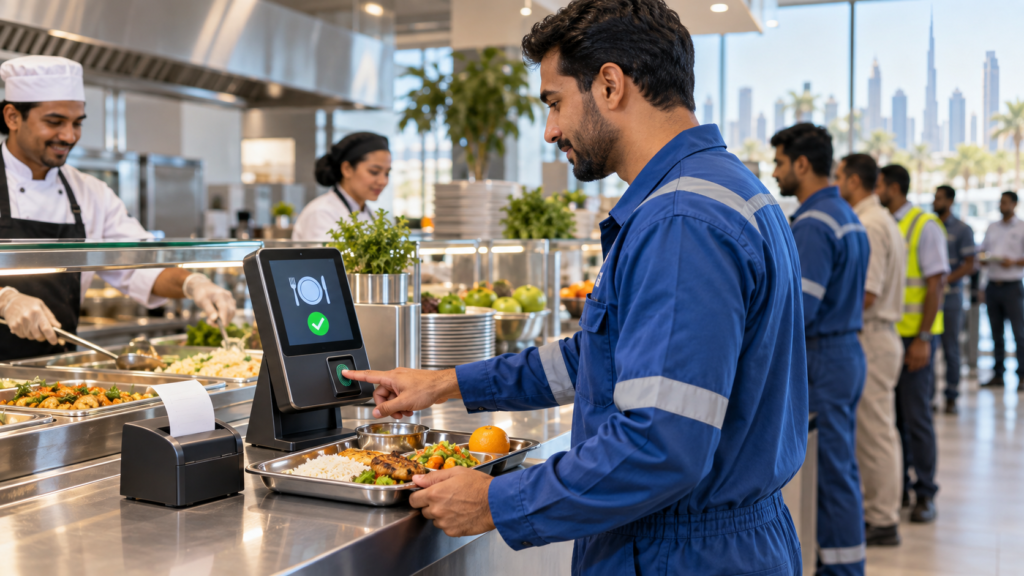
Face terminals at the entrance replace punch cards for shift workers and office staff. Cloud or on-premise software exports hours to payroll. Useful when gloves, hygiene rules or shared cards break fingerprint-only setups.
Door and site access
Face readers on controllers restrict floors, server rooms or camp gates. Pair with your existingaccess controlplan so face is one credential beside cards or mobile IDs.
Visitor and lobby flows
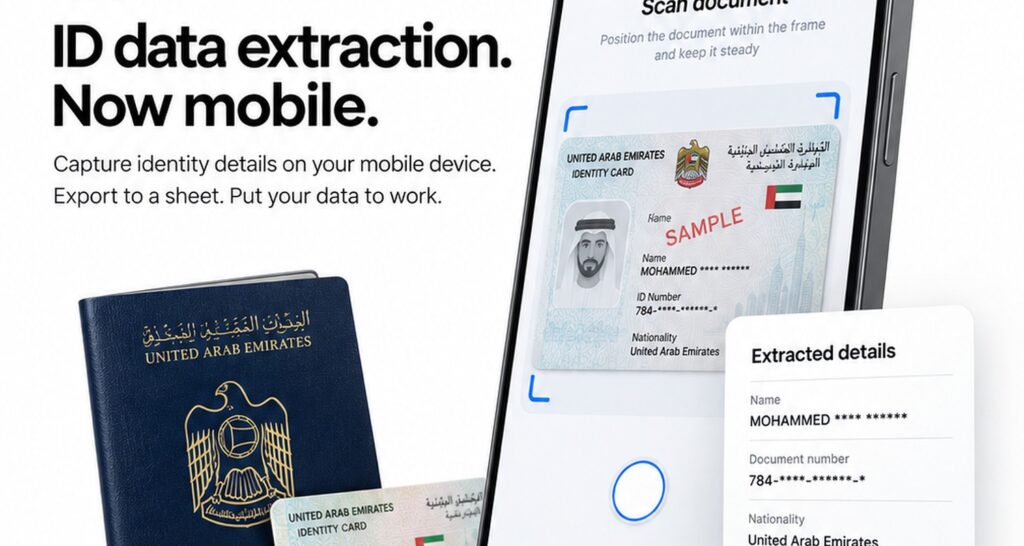
Some sites enrol expected guests or staff escorts; others keep visitors on Emirates ID or passport scan instead of storing guest faces. See eTOP’svisitor management system UAEpage when lobby registration is the main goal.
Face vs fingerprint vs card
Use this comparison to shortlist modalities. Exact accuracy, capacity and certifications depend on the model — confirm on the datasheet before purchase.
| Need | Face recognition | Fingerprint | Card / RFID |
|---|---|---|---|
| Hands-free / hygiene | Strong fit | Requires touch | Card touch or tap |
| Dusty or outdoor sites | Check IP rating and lighting | Optical sensors can struggle | Often robust |
| PPE / masks / gloves | Mask mode varies by model | Gloves block prints | Works if card is carried |
| Shared credential risk | Hard to lend a face | Hard to lend a print | Cards are shared easily |
| Lowest hardware cost | Mid to higher | Often lower | Often lowest |
| Privacy / policy review | Plan consent and retention | Biometric policy still needed | Lower biometric sensitivity |
Hybrid designs (face + card, or face + fingerprint) are common on UAE projects that need both speed and a backup credential.
What to check before you buy
Ask vendors for answers you can verify on a pilot device — not brochure slogans.
- Lighting and mount height— test at the real door, including bright lobby glass and night shifts.
- User capacity and offline behaviour— how many templates on-device, and what happens if the network drops.
- Software licence model— per-device, per-user, or site licence; cloud vs on-premise.
- Integration— Wiegand/OSDP to controllers, API or CSV to payroll, and support for your turnstiles if used.
- Liveness / spoof resistance— ask what the model claims and validate with your security team; do not rely on marketing alone.
- Data hosting and retention— where templates live, who can export them, and how leavers are deleted.
For model-level comparisons inside one brand family, see theUBio-X Face series breakdownand the ZKTeco-focusedHorus vs SpeedFace comparison.
Limitations to plan for
Face recognition is not magic. Honest limits reduce failed rollouts:
- Strong backlight, hats, or inconsistent camera height can raise false rejects.
- Identical twins and major appearance changes may need supervised re-enrolment.
- Some workplaces still require a non-biometric backup for accessibility or policy reasons.
- Storing biometric templates needs a clear retention and access policy aligned with your legal counsel.
eTOP supplies multi-brand face terminals and attendance software for UAE projects; we do not invent model accuracy percentages here — confirm figures on the manufacturer datasheet for the SKU you select.
Frequently asked questions
What is a face recognition system used for in business?
It verifies an enrolled person at a door or clocking point so attendance or access is logged without a card. UAE sites use it for staff attendance, restricted rooms and high-throughput gates.
Is a face recognition system better than fingerprint for attendance?
Face is better when you need contactless speed or workers wear gloves; fingerprint can be simpler and cheaper in clean indoor offices. Many buyers run both modalities on different doors.
Do face recognition systems work with masks?
Some terminals offer mask modes; performance varies by model and lighting. Always pilot with your real workforce before a full rollout.
Can one face recognition system cover multiple UAE branches?
Yes if you choose software that syncs users across sites (cloud or central server). Confirm licence limits and offline behaviour per branch.
What should HR prepare before enrolment day?
A user list with employee IDs, consent messaging, and a quiet enrolment station with stable lighting. Plan how contractors and leavers are added or removed.
Where can I see face devices eTOP supplies?
Start with theface recognition devicelisting and product pages such asUBio-X Face Pro, then match software from the time attendance hub.