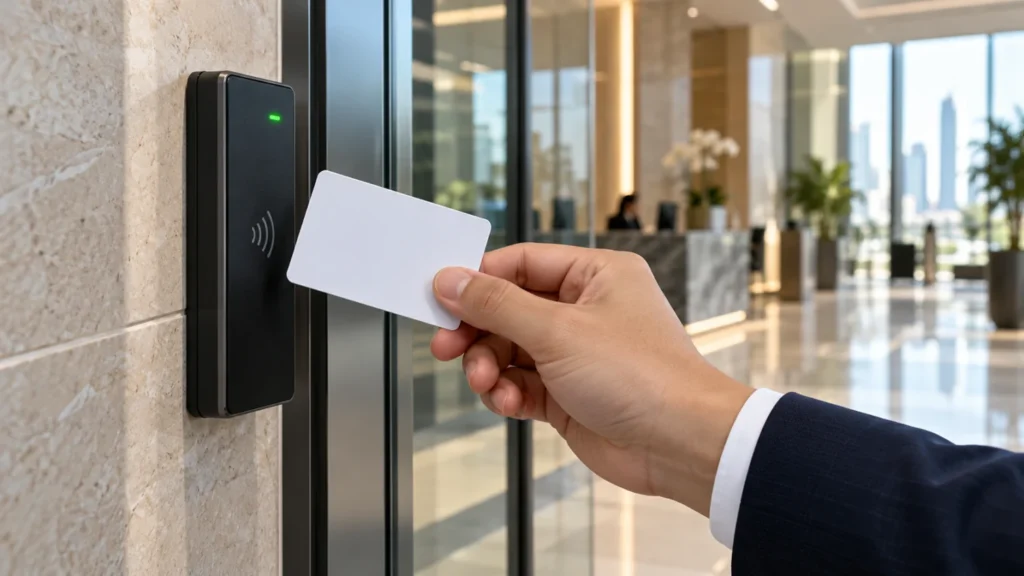
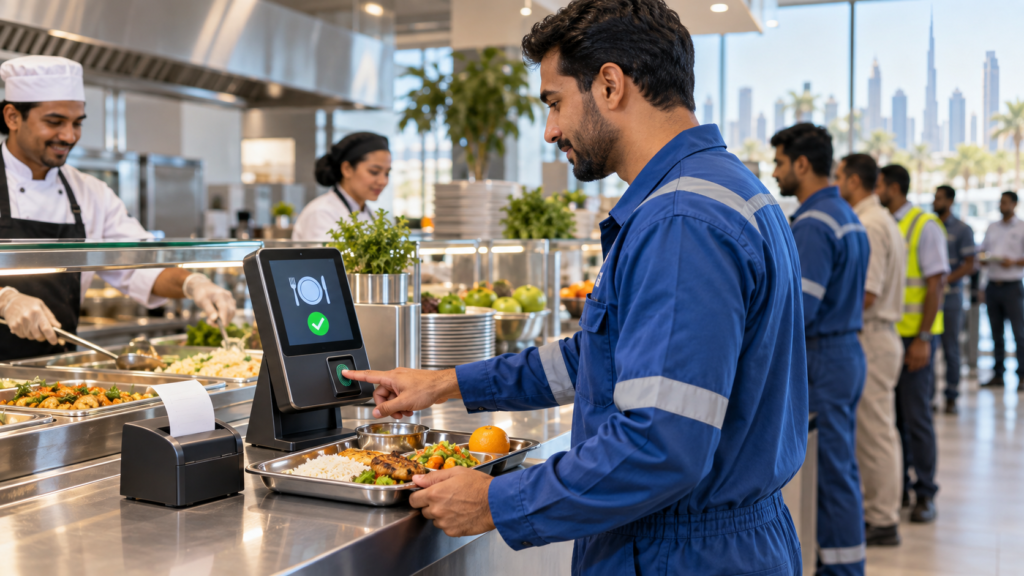
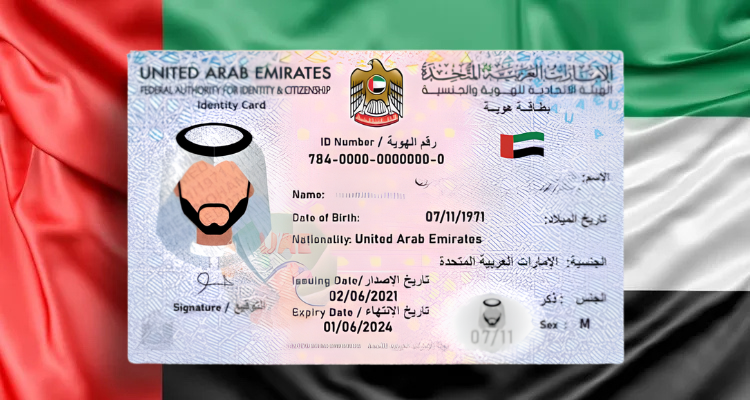
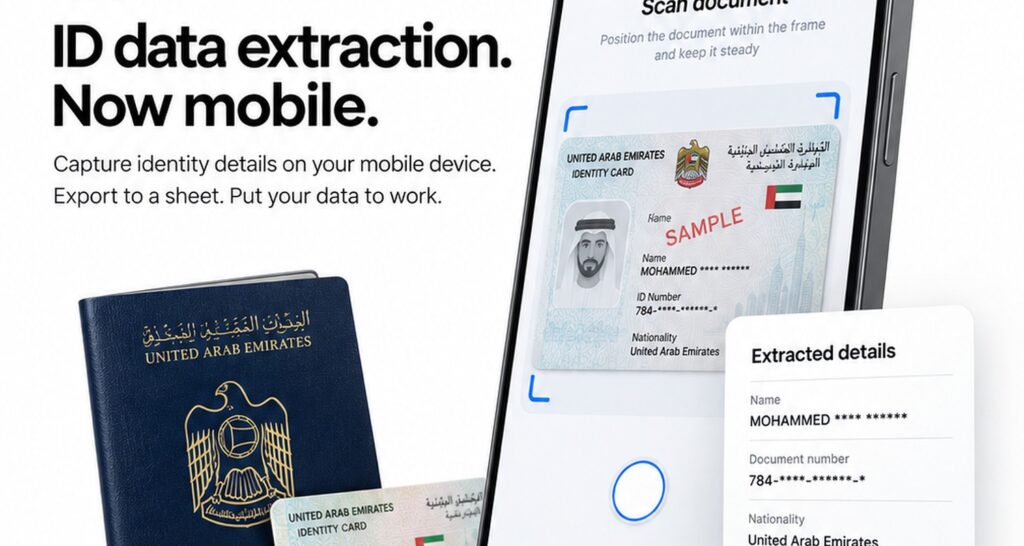
A remote construction gate does not look like a bank reception desk. Contractors arrive with Emirates IDs, visitors with passports, drivers with licences, and GCC nationals with regional IDs. The security team needs identity on record, a photo of who walked in, and a way for HQ to see who is still on site — without waiting for a fixed passport scanner at every turnstile.
That CapEx gap is familiar across UAE and GCC facilities: hardware readers excel at the desk, but they do not stretch easily to every remote gate, temporary site office, or multi-document queue. For many ops teams, a tablet with mobile OCR is enough for gate check-in — and the right place for a chip reader remains the compliance desk.
Answer-ready:When should a UAE site use a passport or Emirates ID card scanner versus mobile OCR on a phone or tablet? Hardware chip and document readers still win where desk KYC and chip authenticity matter; mobile OCR (OCRNJ) fits visitor registration and contractor check-in at gates and remote sites by scanning Emirates ID, passport, driving licence, Iqama, or GCC ID, extracting the fields, and exporting to a sheet or webhook so hosts can pre-invite, guards can capture ID plus image on arrival, and HQ can see who is on site and how long they stay. Choose hardware for fixed reception and regulated desk flows; choose tablet OCR where multi-doc capture and flexible deployment matter more than chip read.
What ops teams actually need at the gate
Security, facilities, HSE, and site ops managers share a short list of non-negotiables:
- Capture identity from whatever document the person presents
- Record a face or site photo with the visit
- Keep walk-ins and pre-invited guests in the same process
- Give HQ a live or near-live view of who is on site and dwell time
- Avoid buying a dedicated reader for every remote entry point
Manual typing fails that list. Paper logs fail it. A single fixed scanner at HQ reception does not cover the satellite gate either. The gate needs a workflow that travels with the guard.
Hardware passport and card scanners — where they still win
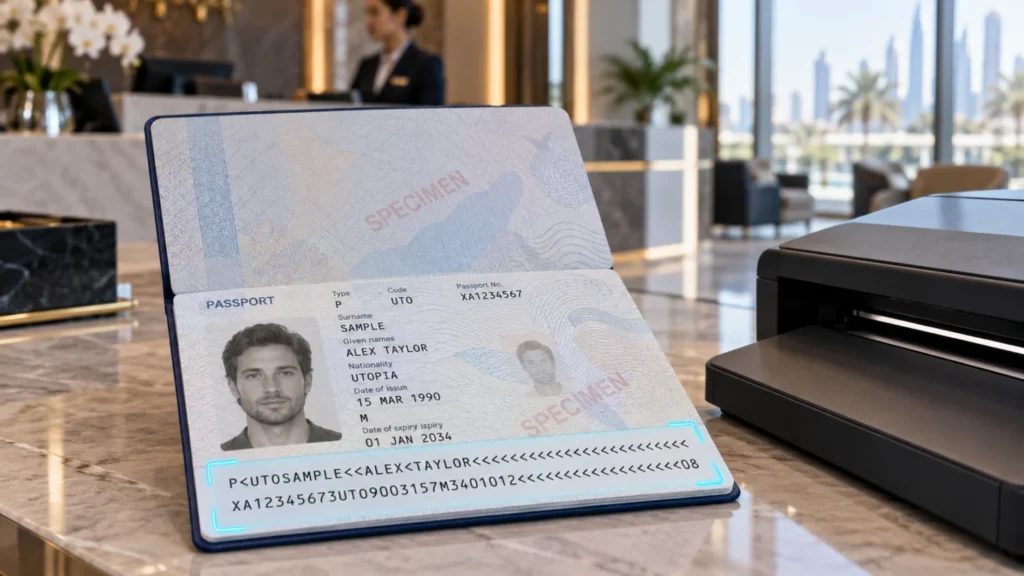
eTOP sells hardware readers for a reason. Desktop and kiosk passport scanners andEmirates ID card readersremain the right tool when:
- The check-in point is a fixed reception desk or controlled lobby
- Chip read and document authenticity matter for desk KYC workflows
- You want a dedicated imaging path designed for MRZ and card documents at a permanent station
- The process is tied toEmirates ID card reading softwareand a stable VMS or KYC desk setup
When desk compliance depends on chip-level verification, chip readers are the ICA-aligned path — not a phone camera. Mobile OCR does not replace that desk requirement. It answers a different question: how do we register mixed documents at gates and remote sites without installing a reader at every entry?
Mobile OCR on phone or tablet — how the flow works
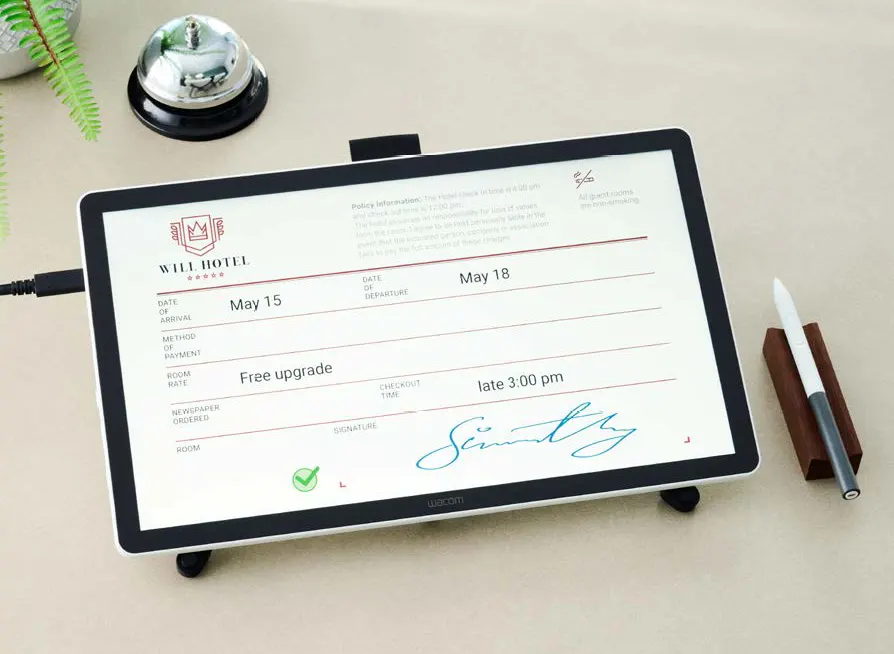
Mobile OCR (the stack teams often callOCRNJ) runs on a phone or tablet camera. The ops flow is deliberately short:
- Scan— Guard or receptionist points the device at the ID document.
- Extract— Fields are pulled from the image into structured data.
- Export— Results go to a sheet or a webhook to the customer’s own endpoint or app.
That three-step path is what makes a tablet viable at the gate. No dedicated reader chassis. No waiting for a fixed station. The same device that already sits with security can become the capture station — then hand data to Google Sheets, an internal webhook, or the site’s visitor stack.
For deeper product context on camera-based capture in the region, see eTOP’smobile OCR SDK for ID and passport in the Middle East.
Documents in one mobile flow
UAE visitor and contractor queues are rarely single-document. A useful gate flow must cover the papers people actually carry:
- Emirates ID
- Passports
- Driving licences
- Iqama
- GCC IDs
Mobile OCR is built for that mix. One tablet workflow can handle the day’s queue instead of routing each document type to a different device. That is the operational difference versus a hardware setup sized for one primary document class at a fixed desk.
Visitor and contractor journey: pre-invite, walk-in, dwell, HQ visibility
A practical journey looks like this:
Before arrival
The host pre-invites the visitor or contractor. Expected time, purpose, and host contact sit in the record before anyone reaches the gate.
On arrival
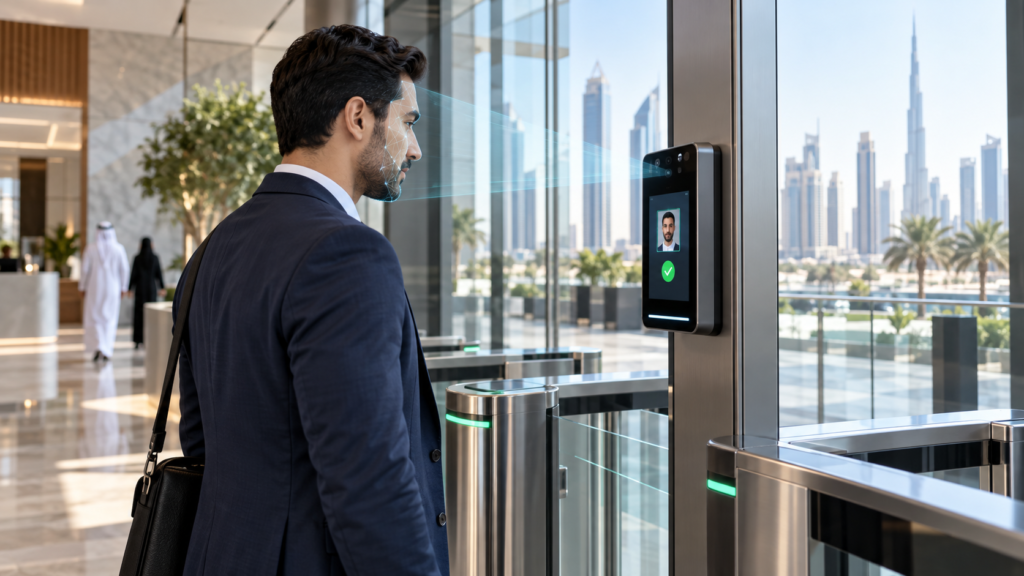
The guard uses the tablet to scan the presented ID and capture an image. Walk-ins follow the same scan → extract path; pre-invited guests are matched into the visit record rather than typed from scratch.
While on site
Data is stored with the visit. Check-out or last activity supports dwell visibility for HSE and security.
At HQ
A webhook pushes events to Sheets or the customer’s app. Operations and security leads see who is on site across gates — including remote ones — without calling the guard for a verbal headcount.
This pattern fits visitor registration, contractor check-in, and temporary or remote sites where a full reception desk is not available. Pair it with a broadervisitor management softwaredeployment when you need badges, host alerts, multi-site dashboards, and desk hardware in the same programme.
Side-by-side: passport/card scanner vs mobile OCR
| Dimension | Hardware passport / card scanner | Mobile OCR on phone / tablet |
|---|---|---|
| Cost to deploy | Higher CapEx per fixed station; strong for permanent desks | Lower barrier per gate; uses devices security already carries |
| Multi-doc capture | Excellent for designed document classes at a desk | Built for mixed EID, passport, licence, Iqama, GCC in one flow |
| Remote sites | Harder to place a reader at every temporary gate | Tablet travels with the guard |
| Chip authenticity / desk KYC | Wins — chip readers for ICA-aligned desk compliance | Camera OCR for ops capture, not chip verification |
| Best fit | Reception, KYC desks, fixed lobbies, regulated verification | Gates, contractor check-in, remote / multi-entry ops |
Qualitative comparison only — site layout, risk profile, and integration needs decide the mix.
When to choose which
Choose a hardware passport or Emirates ID reader when:
- Check-in is always at a fixed desk
- Chip authenticity or desk KYC is mandatory
- You are standardising on reader + VMS at reception
- The entry point justifies dedicated hardware CapEx
Choose mobile OCR on a tablet when:
- Guards move between gates or remote sites
- Visitors and contractors present mixed document types
- You need scan → extract → sheet/webhook without a reader per gate
- HQ visibility of on-site presence and dwell matters more than desk chip read at that entry
Use both when:
- Reception runs chip readers for desk compliance
- Outer gates and contractor yards run tablet OCR for flexible capture
- One supplier covers VMS, readers, and mobile OCR so data lands in the same ops picture
That hybrid is common on multi-site UAE campuses: compliance at the lobby, speed and coverage at the fence line.
How eTOP fits
eTOP Trading LLCsupplies the stack UAE facilities actually combine — not a single forced answer.
- Visitor management—Visitor management softwarefor pre-registration, check-in/out, host workflows, and multi-site visibility.
- Hardware readers—Emirates ID card readersand related desk/kiosk capture, withEmirates ID card reading softwarewhere chip and card workflows belong.
- Mobile OCR— Camera-based capture for gates and remote ops viamobile OCR for ID and passport in the Middle East, including the OCRNJ-style scan → extract → export path described above.
Honest positioning: chip readers still matter for desk and KYC. Mobile OCR is for gate and ops flexibility — multi-document queues, tablet-first security, and webhook or sheet handoff to HQ. You do not have to pretend one device replaces the other.
Download the eTOP Mobility Product Brochure
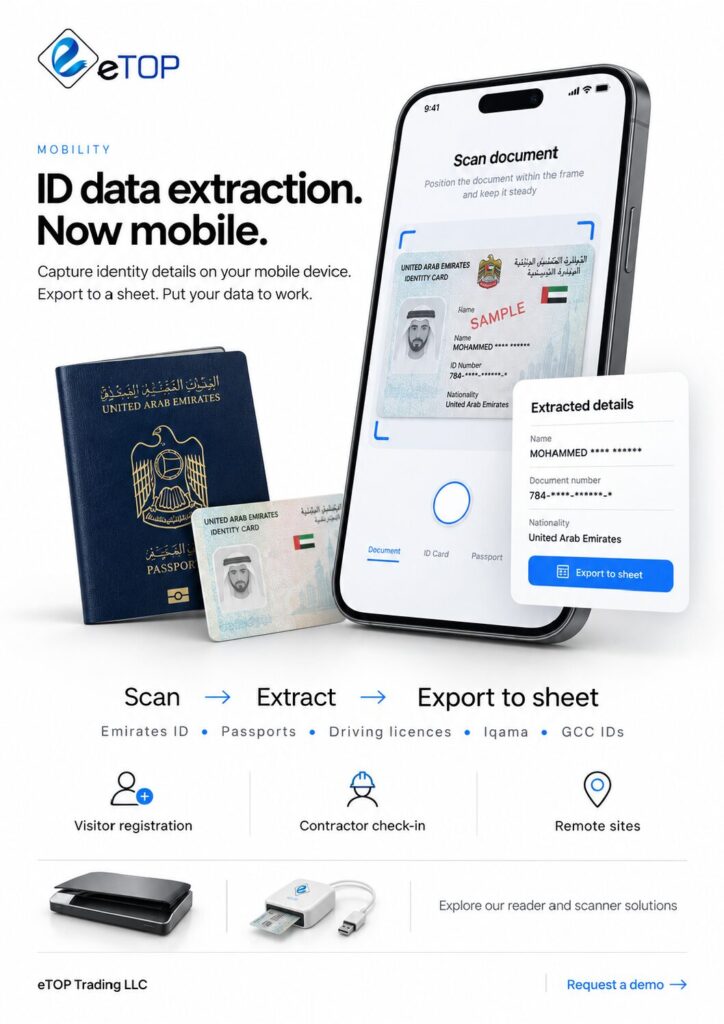
See the full eTOP Mobility workflow for scanning Emirates ID, passports and driving licences on a phone or tablet: scan, extract the details and export them to a sheet or webhook.
Request a demo
If you are comparing a fixed passport scanner rollout with tablet ID scan for visitor and contractor check-in in the UAE, talk through your gates, document mix, and HQ reporting needs with eTOP.
Request a demo or speak with the team viaetopme.ae— sales@etopme.ae · Dubai +971 4 455 9007 · Abu Dhabi +971 2 650 3433.