Wacom Intuos Pro Large Paper Edition -PTH-860P-N
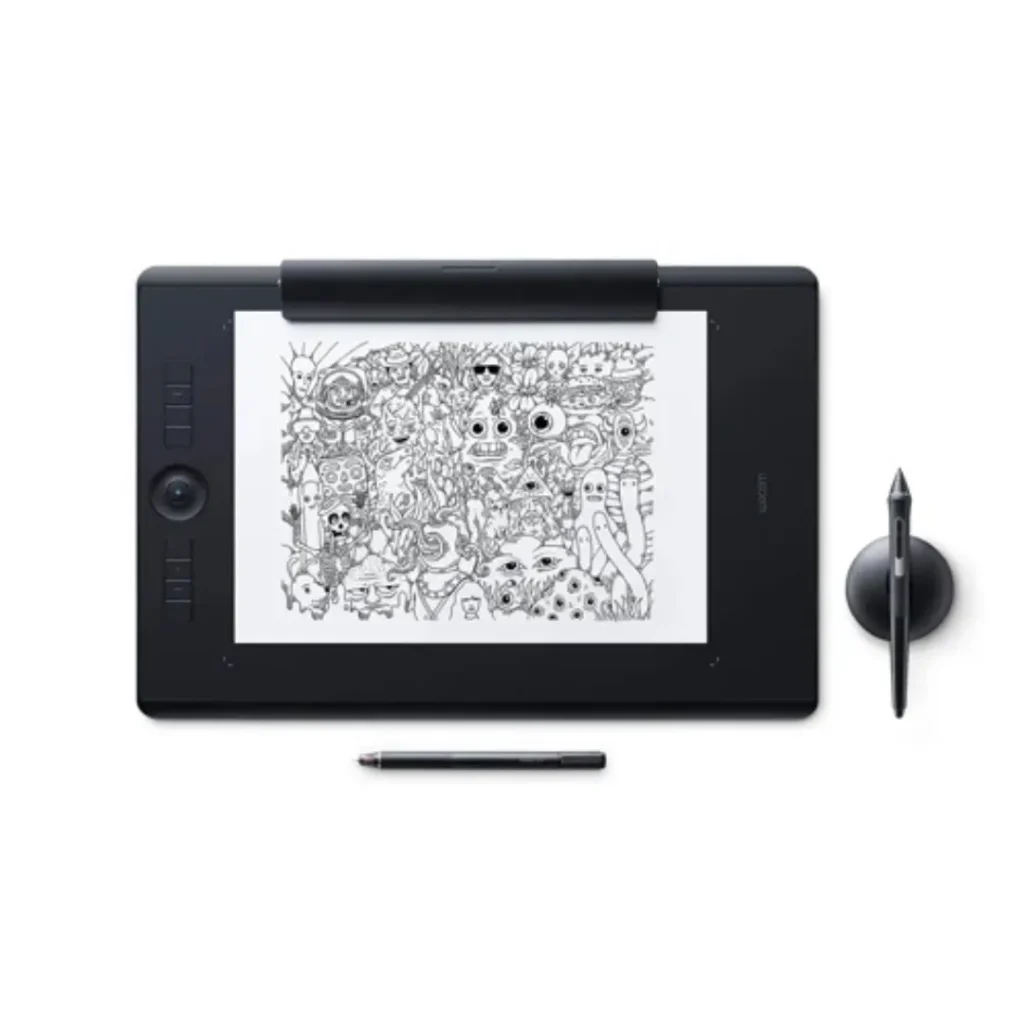
The Wacom Intuos Pro Large Paper Edition (PTH-860P-N) is a unique professional pen tablet that allows artists to draw on real paper while simultaneously digitizing their sketch.
• Paper clip holder: sketch on A4 paper, digitize simultaneously
• Active area: 311 × 216 mm (Large)
• Wacom Pro Pen 2: 8,192 pressure levels, ±60° tilt, battery-free
• Multi-touch support
• 8 ExpressKeys + Touch Ring
• Bluetooth 4.2 wireless + USB wired
• Compatible fineliners: Staedtler, Edding (sold separately)
• Ideal for: concept artists, architects, traditional artists moving to digital
Tags: Wacom Intuos Pro
Wacom Intuos Pro Paper Edition offers paper-to-digital workflow with more natural creative control than ever before.Using a clip that holds standard A4 paper over the tablet surface, paired with a compatible Wacom fineliner pen, traditional sketches are captured digitally in real-time — bridging analog and digital art workflows. The tablet retains all standard Intuos Pro Large features: Wacom Pro Pen 2 with 8,192 pressure levels, 8 ExpressKeys, Touch Ring, and Bluetooth 4.2 wireless connectivity.
| Specification | Value |
| Model Code | PTH-860P-N |
| Generation | 2017 Paper Edition |
| Active Area (Large) | 311 × 216 mm |
| Unique Feature | Paper clip holder for sketching on physical A4 paper |
| Pen | Wacom Pro Pen 2 (battery-free) |
| Pen Pressure Levels | 8,192 |
| ExpressKeys | 8 customizable keys |
| Touch Ring | Yes |
| Multi-touch | Yes |
| Bluetooth | Bluetooth 4.2 |
| Compatible OS | Windows 7+, macOS 10.11+ |
| Warranty | 1 year (UAE / Asia Pacific) |
GET A FREE QUOTE
How Does the Paper Edition Work?
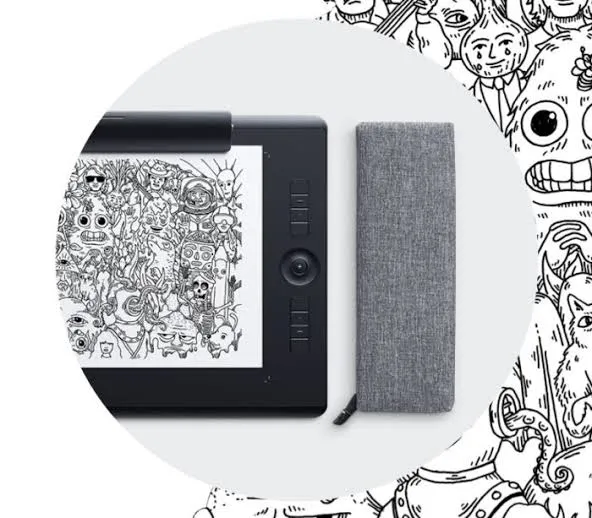
Wacom Intuos Pro Paper Edition offers paper-to-digital workflow with more natural creative control than ever before.Using a clip that holds standard A4 paper over the tablet surface, paired with a compatible Wacom fineliner pen, traditional sketches are captured digitally in real-time — bridging analog and digital art workflows. The tablet retains all standard Intuos Pro Large features: Wacom Pro Pen 2 with 8,192 pressure levels, 8 ExpressKeys, Touch Ring, and Bluetooth 4.2 wireless connectivity.
Who Is the Paper Edition For?
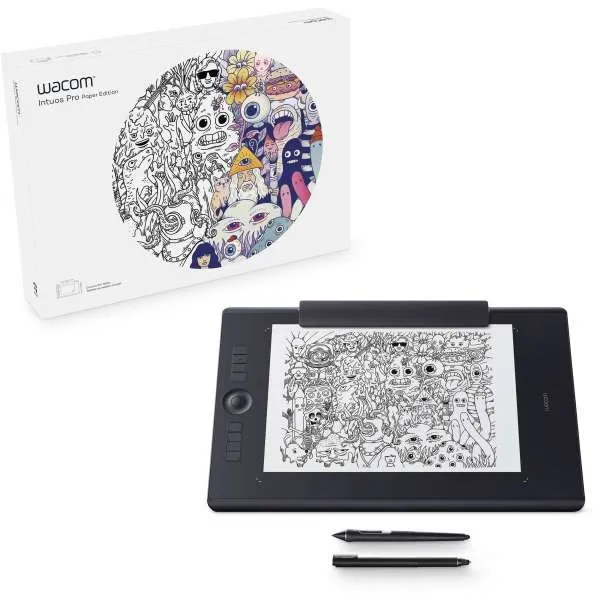
This tablet is particularly valuable for:
• Traditional artists transitioning to digital workflows
• Concept artists who prefer the tactile feedback of real paper
• Architects and technical illustrators who sketch manually first
• Art educators who teach traditional drawing and want to capture and display student work digitally
What paper can I use with the Wacom Intuos Pro Paper Edition?
Standard A4 paper works with the paper clip holder. Wacom recommends standard office or sketching paper.
Which fineliners are compatible with the Paper Edition?
Compatible fineliners include Staedtler and Edding brands (sold separately). The standard Wacom Pro Pen 2 is also included for regular digital use.
Can I use the Paper Edition without paper?
Yes. The tablet functions as a standard Intuos Pro Large when used without paper — with the Wacom Pro Pen 2 directly on the tablet surface.
Is the paper edition worth it over the regular Intuos Pro?
If you work in both traditional and digital media and want to archive your physical sketches digitally, the Paper Edition adds unique value. If you draw exclusively digitally, the standard Intuos Pro offers better value.
How do I transfer Hand Drawn art to Digital?
The Wacom Intuos Pro Large Paper Edition is a great tool for artists who want to create digital art from their traditional paper sketches. To use it, you just need to attach your paper to the tablet and start drawing with the Wacom Finetip or Ballpoint Pen. As you sketch, your strokes are automatically captured digitally through Wacom Inkspace, so you can easily export and edit your artwork in programs like Photoshop, Illustrator, or Clip Studio Paint.
This means you don’t have to worry about scanning your artwork or tracing it by hand, which can be a real time-saver. With the Wacom Intuos Pro Large Paper Edition, you can focus on creating your art, and then easily turn it into a digital version that you can edit and share with others.
Buy the Wacom Intuos Pro Large Paper Edition in UAE.
Contact eTOP — Authorized Wacom Partner, Dubai. +971 4 455 9007 | sales@etopme.ae