
Wacom Electronic Signature Pads: A Smarter Way to Sign Documents in the UAE
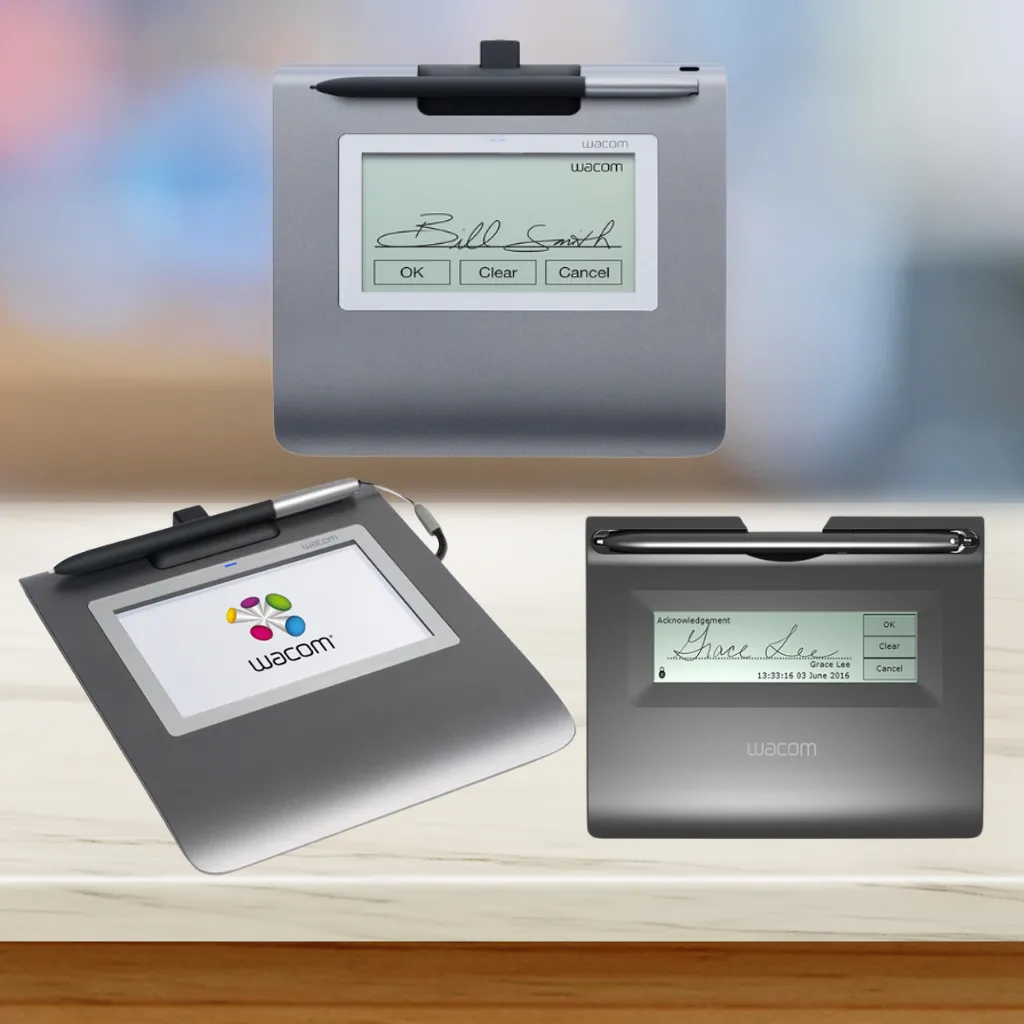
Wacom electronic signature pads are transforming how organizations across the UAE handle document signing. Instead of relying on paper forms and printed documents, these devices allow users to sign digitally with the same natural feel of pen on paper. Built with precision technology, Wacom signature pads deliver high accuracy, strong data security, and seamless integration with business software making them a preferred choice in industries such as banking, healthcare, retail, government, and education.
With Wacom signature pads, companies can streamline workflows, improve customer experience, and significantly reduce paper usage while maintaining secure, legally compliant processes.
What Are Wacom Electronic Signature Pads?
Wacom electronic signature pads are specialized devices designed to digitally capture handwritten signatures with high accuracy and security. They replace traditional paper signing methods, allowing businesses to manage documents in a fully digital workflow.
These devices feature pressure-sensitive input, ensuring smooth, natural handwriting that closely matches ink signatures. They integrate easily with document management systems, POS software, and enterprise platforms — making them ideal for high-volume signing environments.
Key characteristics include:
- High-accuracy signature capture
- Pressure-sensitive, natural writing experience
- Compatibility with Windows and Mac
- Secure encryption and data protection
- Easy software integration
Businesses using Wacom signature pads benefit from faster processing, reduced paperwork, and enhanced customer service.
Key Features and Benefits of Wacom Signature Pads
Wacom signature pads stand out for their durability, precision, and reliability — essential qualities for UAE businesses handling sensitive documentation.
Core Benefits
- Exceptional accuracy
Every pen stroke is captured in fine detail, ensuring signatures look and feel authentic. - Built for heavy use
Designed for daily commercial environments such as banks, hospitals, and retail counters. - Eco-friendly & cost-saving
Reduces printing, storage, and paper waste. - Secure encryption technology
Protects biometric and signature data. - Simple, intuitive user experience
Minimal training required for staff or customers. - Flexible software compatibility
Works with various applications and workflows.
These advantages make Wacom signature pads one of the most trusted digital signing solutions worldwide.
How Wacom Signature Pads Work: Technology and Integration
Wacom electronic signature pads use pressure-sensitive digitizer technology to capture handwritten input with precision. Users sign directly on the pad using a cordless, battery-free pen, ensuring a natural writing feel.
Key Technology Benefits
- Plug-and-play USB connection
- Secure encrypted signature capture
- Compatibility with major operating systems
- Support for cloud-based and on-premise applications
This allows businesses to integrate Wacom devices smoothly into existing systems — whether for banking transactions, patient forms, or service agreements.
Popular Wacom Electronic Signature Pad Models
Wacom offers several signature pad models suited to different environments and requirements:
🔹 Wacom STU-300B
Compact, lightweight, ideal for counters or mobile setups.
🔹 Wacom STU-430 Signature Pad
A popular mid-range model featuring a 4.5-inch display for enhanced clarity — widely used in retail and service environments.
🔹 Wacom STU-540
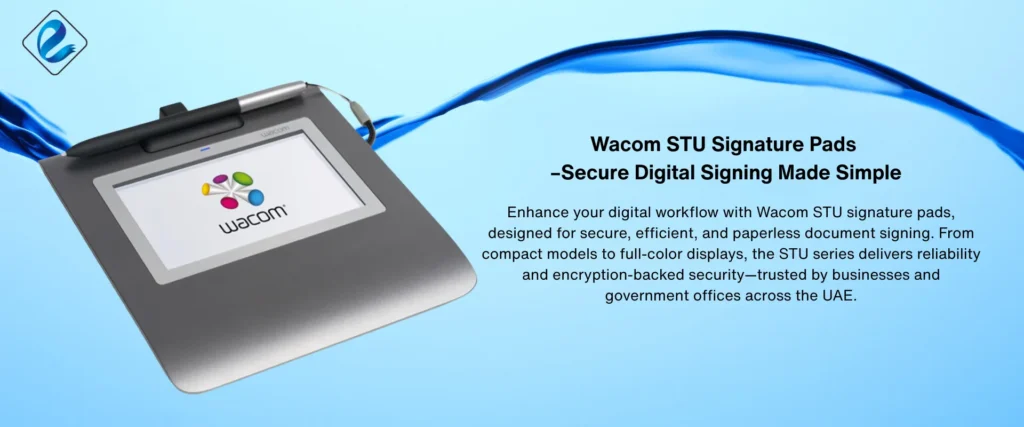
Premium colour display model designed for professional, customer-facing applications.
These models provide options for different budgets and environments while maintaining the same high-quality performance.
Wacom Signature Pads vs. Wacom Pen Displays & Tablets
It’s important to differentiate between Wacom signature pads and Wacom creative tablets such as:
- Wacom Intuos
- Wacom Intuos Pro
- Wacom Cintiq
Use Cases: Industries and Applications
Wacom signature pads are widely used across the UAE in:
- Banking & Finance – Account opening, transactions, approvals
- Healthcare – Patient consent forms and records
- Retail & POS – Customer transactions
- Government Services – Secure public service documentation
- Legal Firms – Contract signing
- Education – Student records and admissions
Their flexibility makes them suitable for any organization shifting toward digital document workflows.
Security, Compliance, and Data Protection
Security is a core strength of Wacom signature pads.
Key protections include:
- Encrypted signature data
- Biometric capture
- Anti-tamper safeguards
These features help organizations meet compliance standards and protect sensitive information.
How to Choose the Right Wacom Signature Pad
Consider the following when selecting a model:
- Daily signing volume
- Screen size requirements
- Environment type (office, retail, healthcare, etc.)
- Integration needs
- Durability and portability
Businesses in the UAE can choose from compact to premium models depending on workflow demands.
Setup, Integration, and User Experience
Wacom signature pads are designed for fast setup and easy operation.
Advantages
- Simple USB connection
- Minimal configuration
- Seamless workflow integration
- Intuitive interface
This ensures both staff and customers can use the devices comfortably from day one.
Frequently Asked Questions
Are Wacom signature pads compatible with Windows and Mac?
Yes — they work with major operating systems.
Can I add my company logo to the screen?
Yes — many models support branded display screens.
Are signatures secure?
All signature data is encrypted and protected.
Conclusion: Are Wacom Electronic Signature Pads Right for You?
If your organization is looking to reduce paperwork, improve efficiency, and maintain secure document workflows, Wacom electronic signature pads provide a reliable and modern solution. With precision technology, enterprise-grade security, and seamless system integration, they are ideal for businesses across the UAE seeking a smooth transition to digital signing.