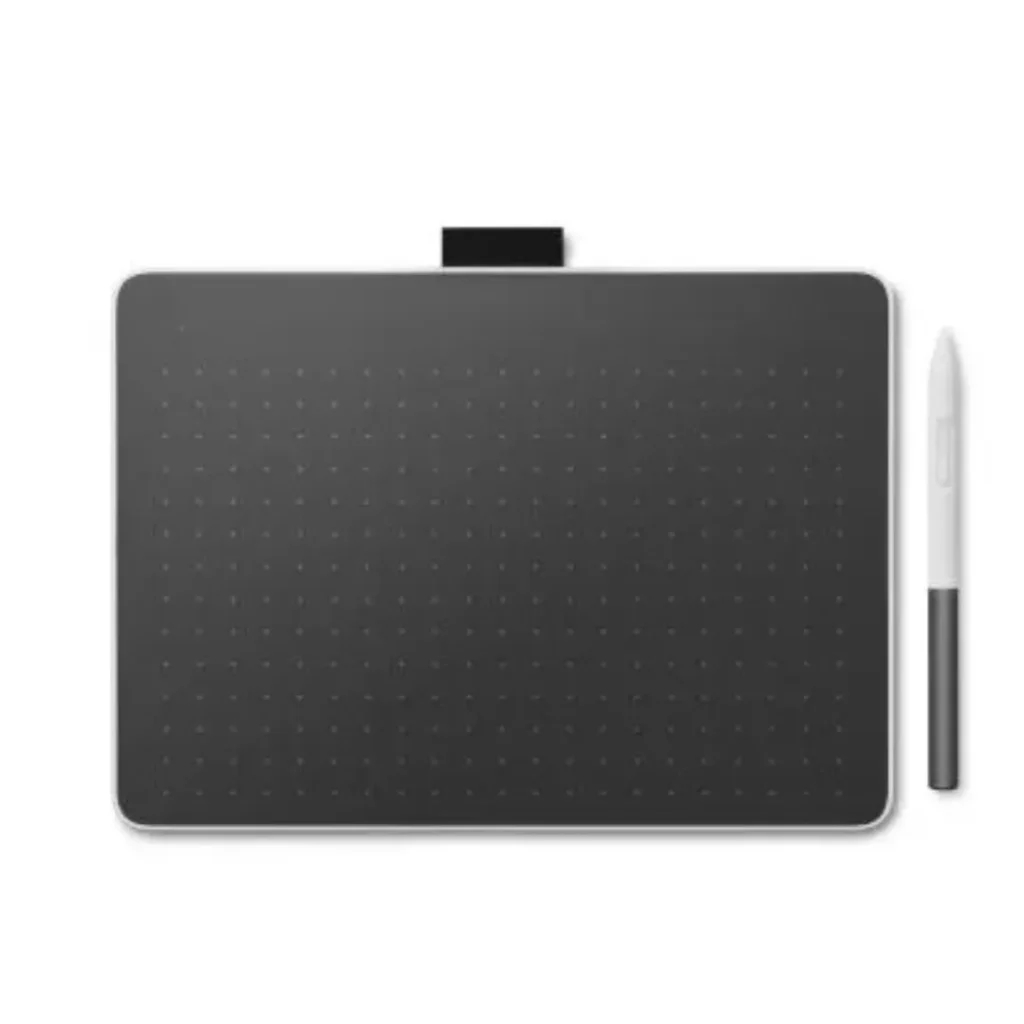
Wacom One Pen Tablet Medium Black/White - CTC6110WLW1B
The Wacom One M pen tablet, compact and versatile with bluetooth and natural pen input. This Wireless Graphic Tablet is for the Creative Gen. A great wireless graphics tablet for beginners, students and the Remote Worker.
- 13.3″ Full HD (1920×1080)
- Wacom One Pen & Multi-touch*
- USB-C single cable connectivity to computer
- Windows, Mac, AndroidTM, Chromebook
Tags: Wacom One
The Medium size is great for note taking and digital signatures too.
Key Features and Specifications
- Active Drawing Area: Measures 216 x 135 mm (roughly the size of an A5 piece of paper), giving you plenty of room for broad strokes.
- Wireless Freedom: Includes Bluetooth 5.1 connectivity so you can work cable-free, alongside a USB-C wired connection option.
- Ultra-Slim Profile: It is just 7.9mm thick and weighs 350 grams, making it highly portable for laptop bags.
- Standard Digitizer Pen: Features 4,096 levels of pressure sensitivity, a battery-free design, 60-degree tilt recognition, and two programmable side switches.
- Wide Compatibility: Works seamlessly across Windows, macOS, Android, and ChromeOS platforms.Universal
- Pen Support: Built with UD Pen technology, allowing you to use supported third-party pens from brands like Lamy, Staedtler, and Dr. Grip.
| Specification | Details |
| Color Family | Multi-colour |
| Brand | Wacom |
| Color | Black/White |
| Model Number | CTC6110WLW1B |
| Type | Graphics Tablet |
| Cable Type | Type-C Cable |
| Controls | Button Control |
| Interfaces | USB, Bluetooth |
| USB | USB-C |
| Buttons | 2 Programmable Buttons |
| Weight | 345 g |
| Required Operating System | Windows, Mac, Chromebook and Android |
GET A FREE QUOTE
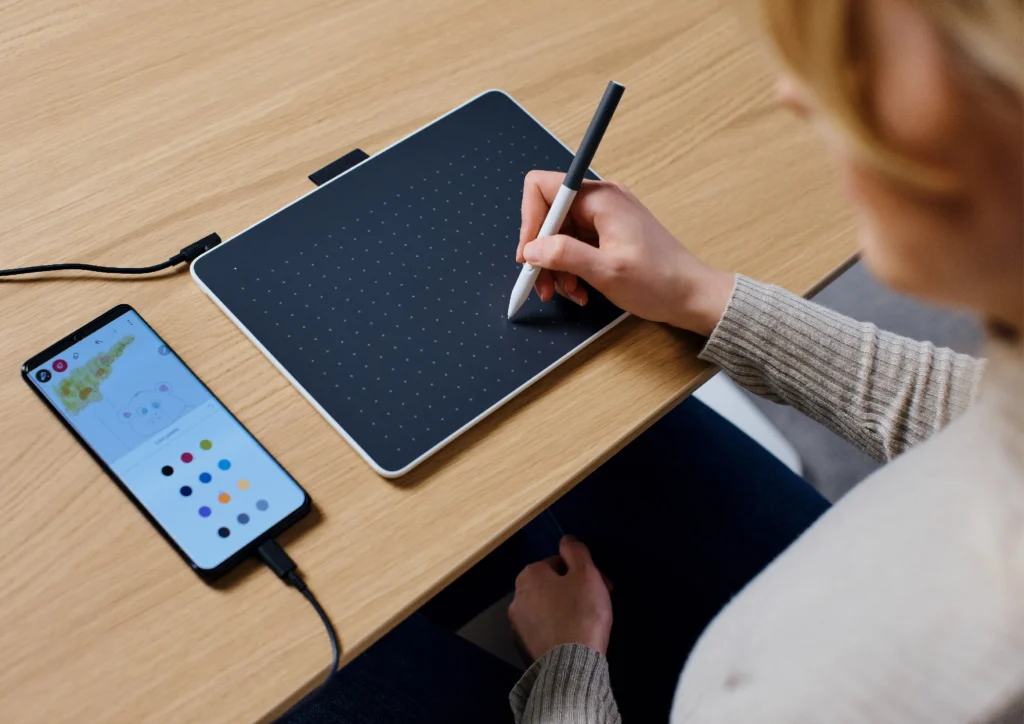
Master Digital Creativity with the Wacom One M Pen Tablet
The wireless graphics tablet for beginners, students, and remote professionals. The Wacom One M Pen Tablet features a spacious A5-sized active drawing area and advanced Bluetooth 5.1 connectivity for cord-free creative freedom. The included battery-free Wacom One pen features 4,096 levels of pressure sensitivity and natural tilt recognition to deliver precise brush strokes for digital art, photo editing, and online teaching. The versatile Wacom One Medium draws seamlessly with multi-platform compatibility with Windows, Mac, Android, and ChromeOS. It is the affordable, digitizer tablet for any task in today’s market.
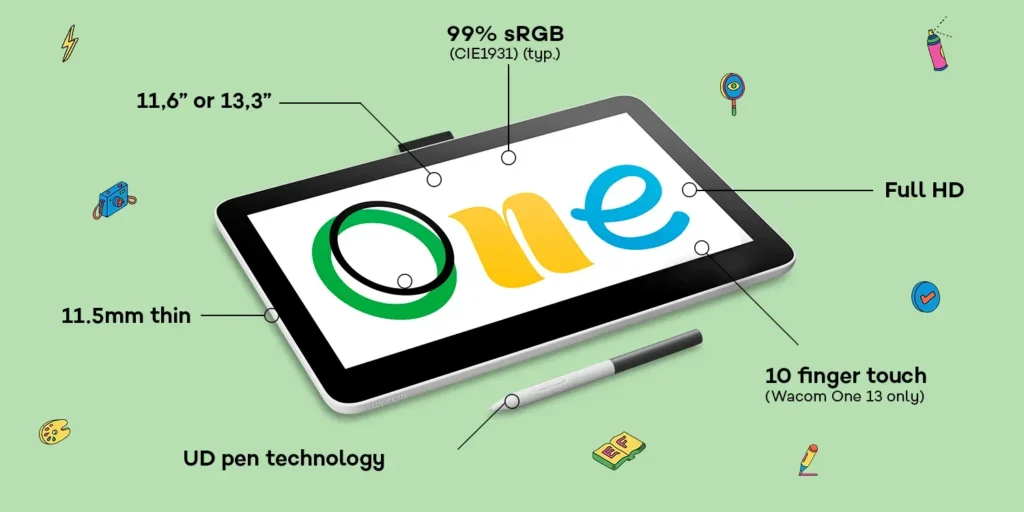
Full control thanks to pen input and multi-touch
The Wacom One offers a range of creative features. The intuitive pen input on the high quality Wacom display allowing you to draw, paint, color, write and illustrate on the graphic display with great accuracy and feel. The Wacom One 13 touch model also features 10-finger multi-touch-gestures. Use a variety of familiar gestures such as drag and drop, zoom, highlight and more to control your creative and productive applications. A range of multi-touch-gestures allow for a very natural working method that significantly increases your productivity and your overall creative experience. Wacom One offers an unparalleled user experience for the creative beginner as well as the creative professional.
What's Included
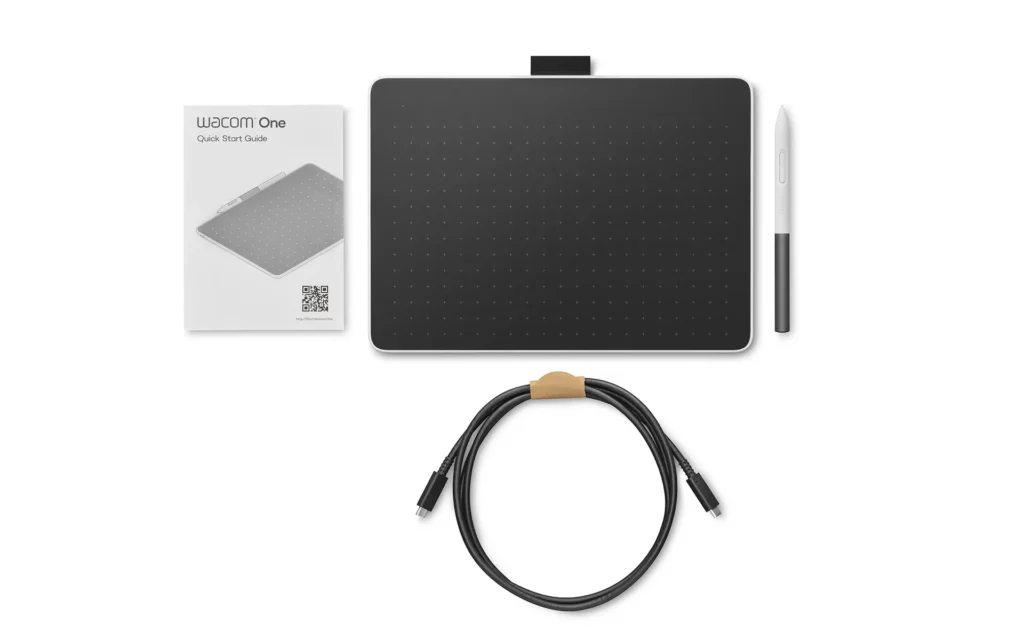
- Wacom One M Pen Tablet
- Wacom One Standard Pen
- 1 x USB-C to C L-shape cable 1m
- Nib remover
- Quick Start Guide
- Regulation sheet
Does the Wacom One M have Bluetooth?
Wacom One M Pen Tablet comes with Bluetooth 5.1 connectivity for wireless connection to computers. It also comes with a USB-C cable for wired connection to a computer and to charge the battery of the tablet (if any). The older model One by Wacom Medium has a continuous USB cable connection and does not support Bluetooth connectivity. It does not need to be charged.
What is the difference between Wacom One M and One by Wacom Medium?
The Wacom One M Pen Tablet is a more recent model (launched in 2023) and it’s a medium-sized tablet with wireless Bluetooth connectivity. Wacom One by Wacom Medium is an older product, a very basic Pen Tablet for creative beginners that does not have a USB cable connection (it is continuous and not detachable).
Can you use the Wacom One M without a computer?
No, this is a pen input controller and therefore needs to be connected to a computer / smartpad (e.g. PC, Mac, Android tablet / smartphone, Chromebook) via cable or wirelessly with Bluetooth.
Does the Wacom One M pen tablet need to be charged?
You charge the tablet when used wirelessly with Bluetooth, the ergonomic Wacom One pen however is battery-free!
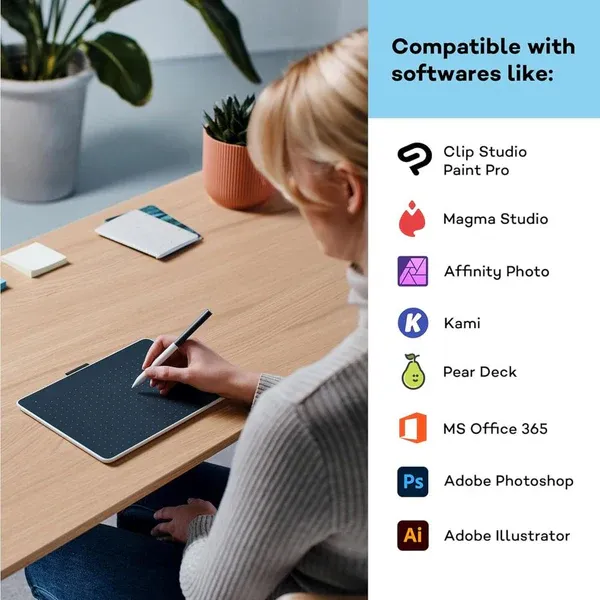
What free drawing software comes with the Wacom One M pen tablet purchase?
Access to the Wacom Adventure Program: Free software trials for creative and educational software including Clip Studio Paint Pro, Magma, Kami, Explain Everything and more!