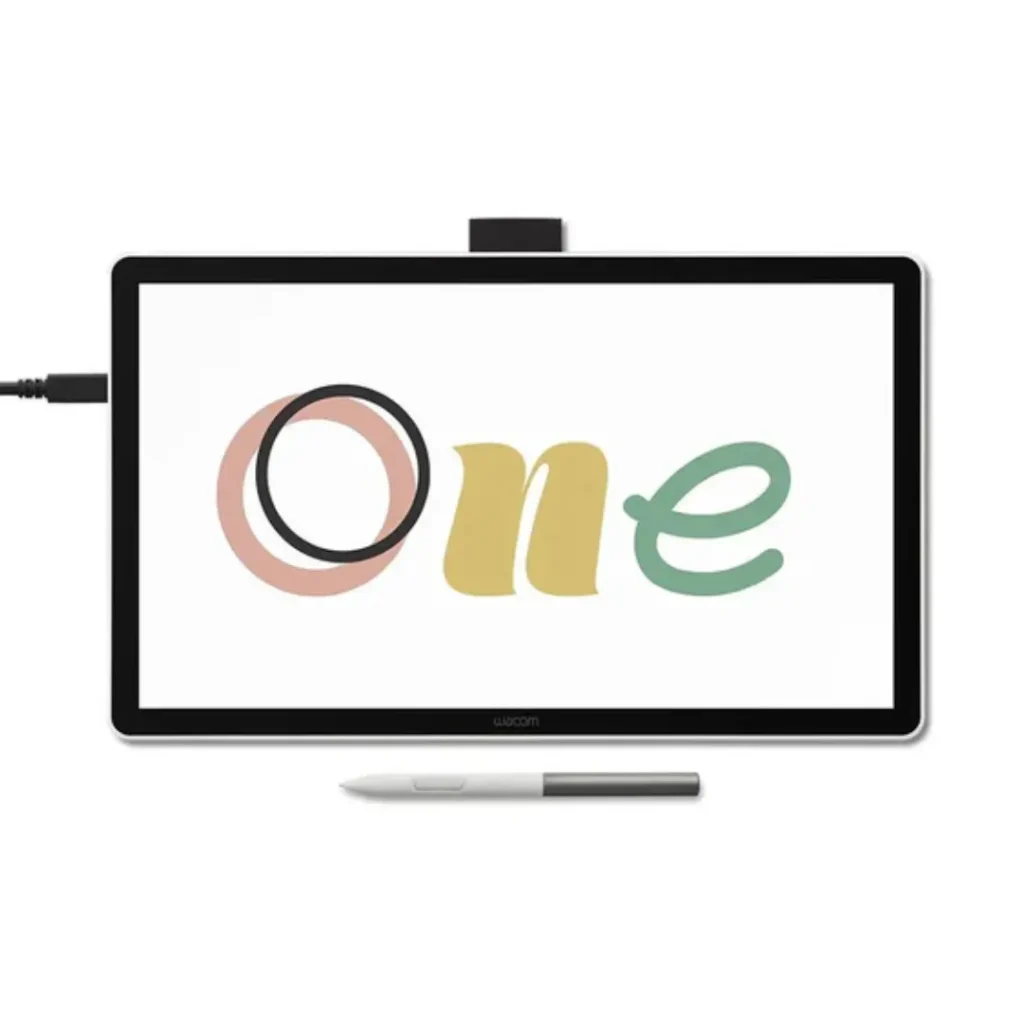
Wacom One 14 Pen Display | Affordable 14-inch Drawing Tablet
Start your digital adventure with the all-new Wacom One.Ideal for aspiring artists, hobbyists, and visual thinkers– with the Wacom One 14 pen display you can draw, sketch, edit photos, annotate, or discover your creative passion.
- Slim & Lightweight Design
- Easy Single-Cable Setup
- Affordable Creative Solution
- Natural Pen-on-Paper Feel
- Works with Popular Software
- Free Creative Software Included
- Ideal for Beginners & Students
Tags: Wacom One
The Wacom One 14 is a great tool for new users to discover the world of digital creative possibilities. Sketch, illustrate, edit and take notes with a 14” 1080p surface. Unlike its predecessor the Wacom One 14 is even lighter and slimmer, making it the perfect mobile tool for school, university or creative professionals on the move.
The Wacom One Standard Pen simulates writing and drawing just like with traditional media. It has 4,096 levels of pressure, ±60° of pen tilt and is accurately tracked. No battery or recharging is required. The anti-glare etched glass surface enables users to write and draw naturally as they would on paper.
Easy USB-C connection, work immediately with your Windows, macOS or ChromeOS device. Comes with loads of creative software such as Pro version of Comic and Illustration software Clip Studio Paint, Foxit PDF Editor, Skillshare plus lots more….
| Specification | Details |
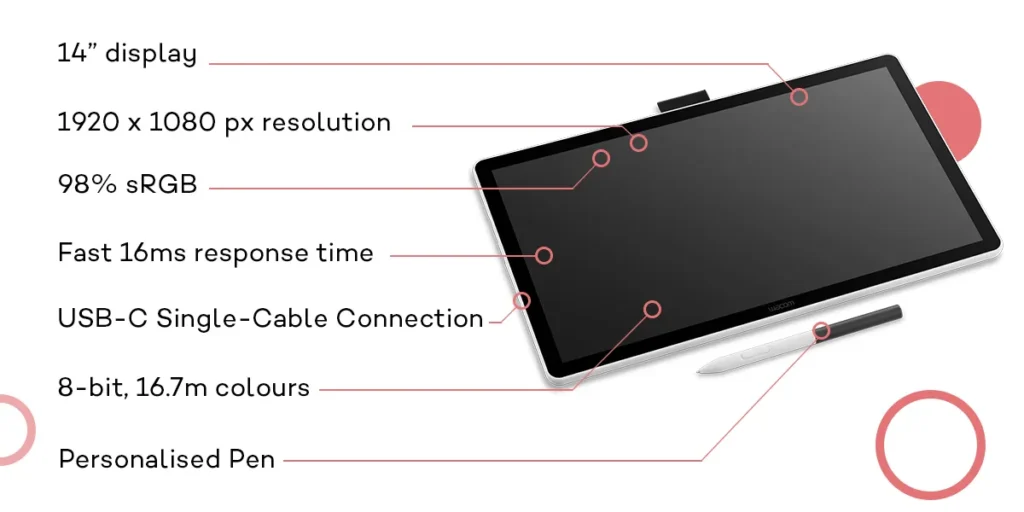
| Screen Size | 14.0 inch / 35.6 cm |
| Display Resolution | 1920 × 1080 pixels |
| Display Technology | IPS |
| Glass / Surface | AG + AF Glass |
| Active Area | 309 × 174 mm (12.2 × 6.9 in) |
| Aspect Ratio | 16:9 |
| Pixel Pitch | 0.1611 (H) × 0.1611 (V) mm |
| Viewing Angle | 178° (89/89) H / 178° (89/89) V |
| Color Depth | 8bit × RGB (24bit) |
| Color Gamut | sRGB 98% (CIE 1931) |
| Contrast Ratio | 1000:1 |
| Brightness | 285 cd/m² |
| Response Time (G2G) | 16 ms |
| Pen Name | Wacom One Standard Pen |
| Pen Pressure Levels | 4,096 Levels |
| Pen Type | Pressure-Sensitive, Cordless, Battery-Free |
| Pen Switches | 2 Side Switches |
| Pen Tilt Support | 60° |
| Pen Resolution | 2540 lpi |
| Pen Technology | Electromagnetic Resonance (EMR) |
| Reading Height | 8 mm |
| Maximum Report Rate | 360 reports/second |
| Pen Dimensions | 149.9 × 9.8 mm |
| Pen Weight | 9.9 g |
| Multi-Touch | No |
| I/O Ports | 1 × USB Type-C |
| Product Dimensions | 336 × 201 × 10 mm (13.2 × 7.9 × 0.4 in) |
| Product Weight | 0.75 kg (1.65 lbs) |
GET A FREE QUOTE
Larger active area for larger ideas
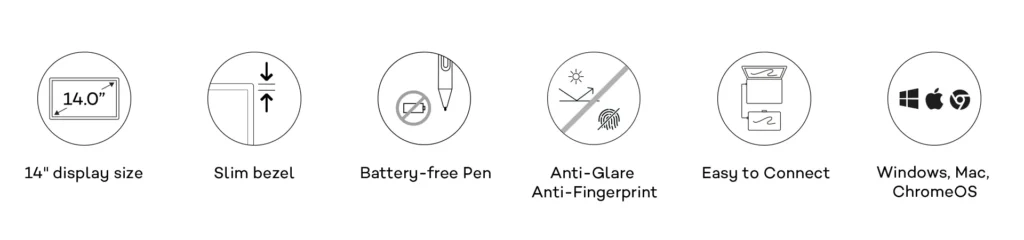
Meet Wacom One, a brand-new 14” graphics tablet for digital drawing, photo editing and screen annotation. The innovative, compact graphics tablet Wacom One has a 14” Bonded Display. Unlike other graphics tablets with a compact design, the Wacom One features a larger active area to accommodate larger ideas. The fully framed display provides higher accuracy due to minimized parallax. The new Anti-Glare and Anti-Fingerprint coating on the screen offers just the right amount of resistance to create a smooth, natural paper-like feeling while drawing.
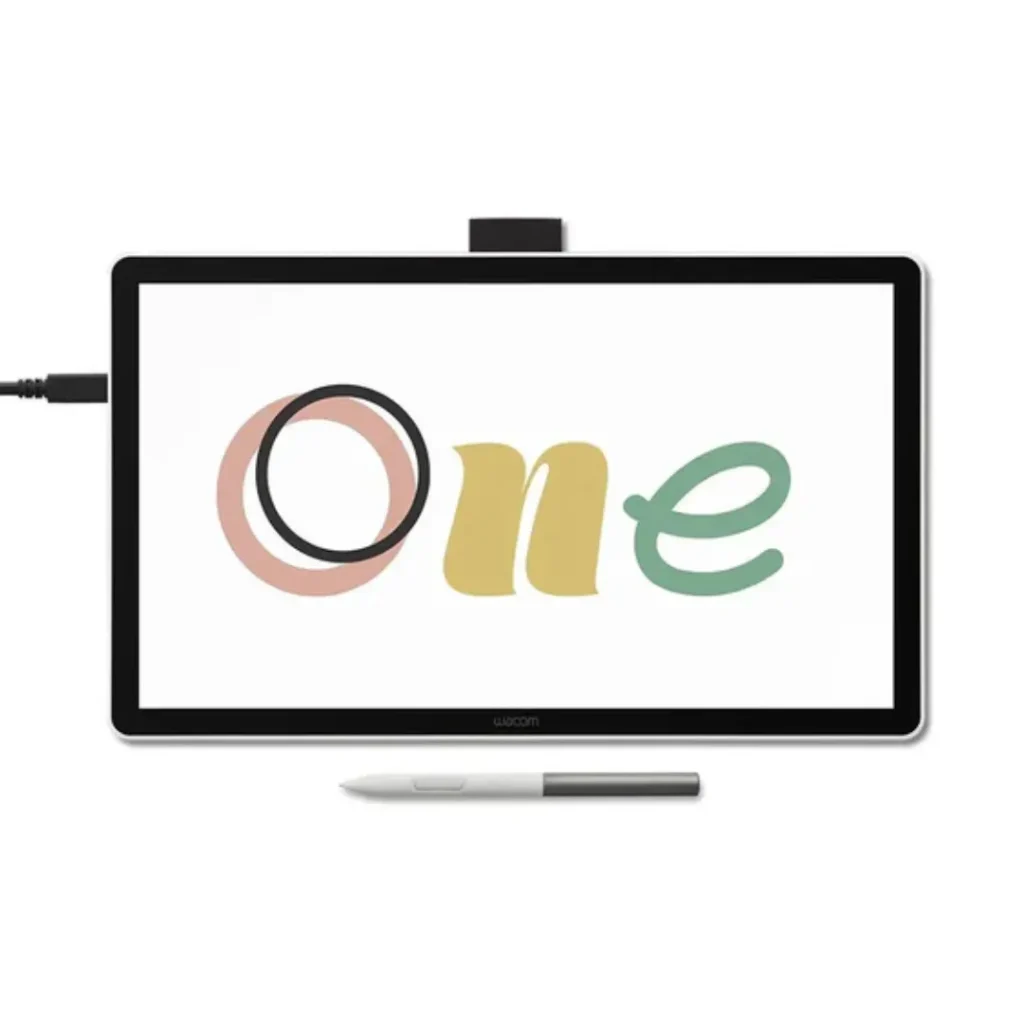
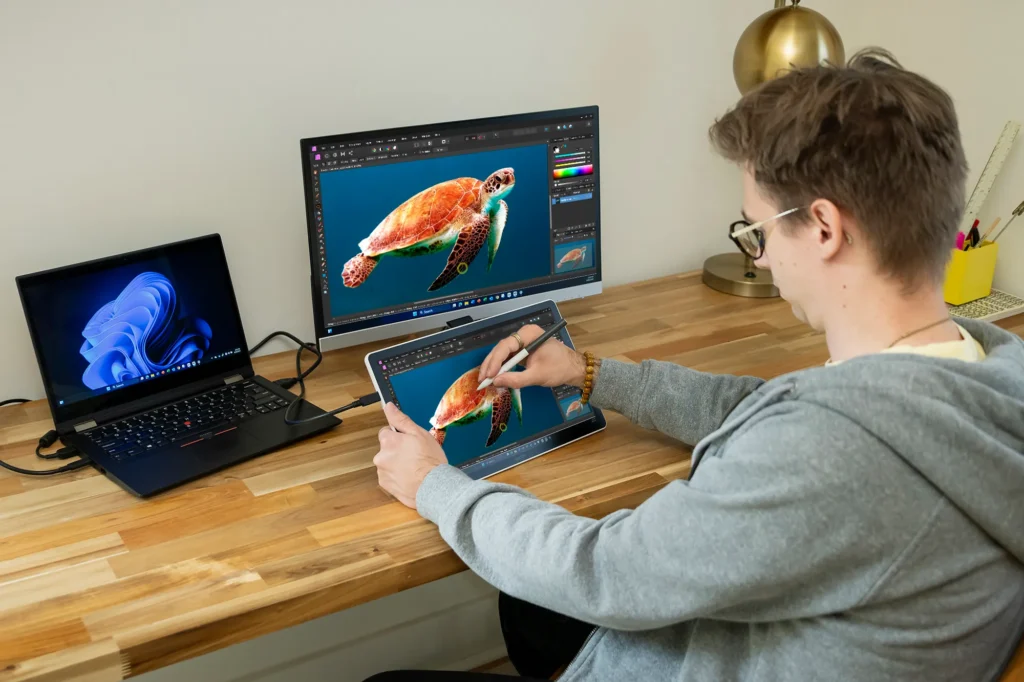
Single cable connectivity
Connect the Wacom One to your laptop or PC with a single USB-C cable.* Keep your working area free from clutter or messy cables so you can focus on what matters most. The single-cable connection is ideal for smaller workspaces or mobile users. The USB-C cable provides power, video and data – so you can slip the Wacom One in your backpack, right next to your laptop.
*Thunderbolt port (x3 or later) or Display Port alt-mode support required. Adapter for PCs without DP Alt-Mode must use the Wacom Converter Kit (sold separately).
Never put your pen down
The Wacom One comes with the new Wacom One pen. This pen features the latest technology from Wacom, is lightweight, comfortable to hold and is ready for use at any time – without batteries. The pen is accurate and fast and features natural tilt recognition. The perfect tool for your creativity and for your daily work. The two buttons on the pen can be programmed with your favorite shortcuts. Many other creative pens from renowned manufacturers like Staedtler, LAMY and Dr. Grip etc. are also compatible with the Wacom One.
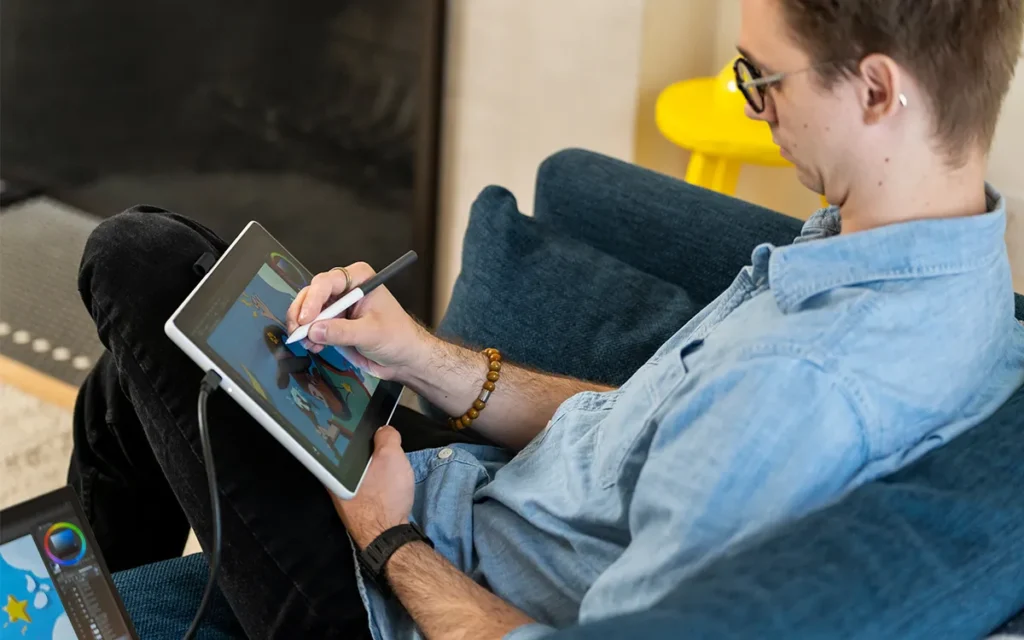
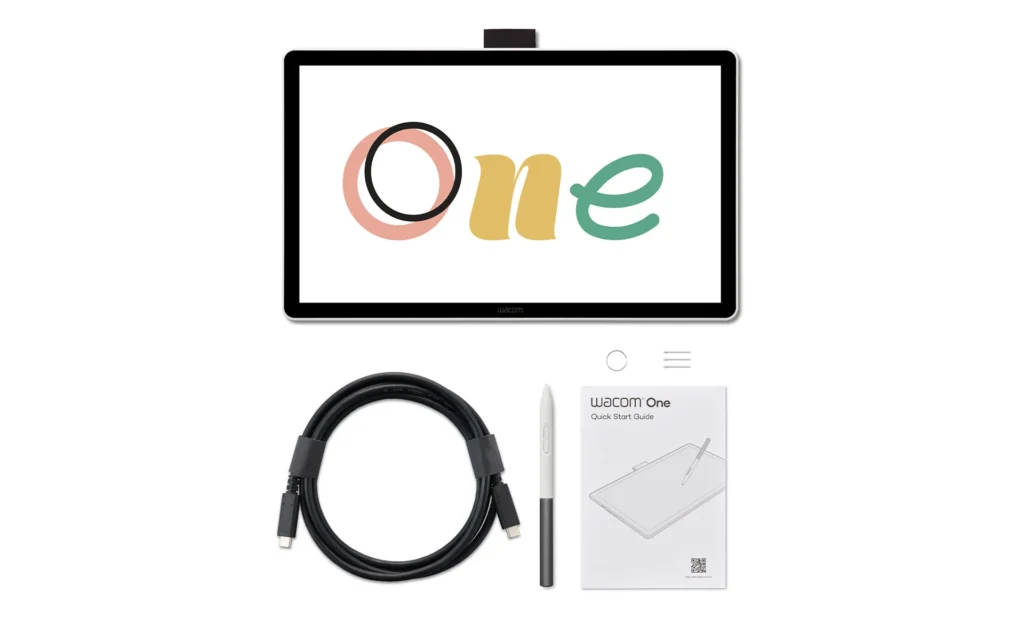
What's Included
Wacom One 14
Wacom One Standard Pen
3 replacement nibs + nib remover
USB-C cable
Quick Start Guide & regulation sheet
Does the Wacom One 14 need a computer to work?
Yes. The Wacom One 14 is a pen display, which means it must be connected to a compatible Windows PC, Mac, Chromebook, or selected Android device. The display acts as an interactive screen while the connected device runs your creative software and applications.
Is the Wacom One 14 a standalone drawing tablet?
No. The Wacom One 14 is not a standalone tablet and does not run apps on its own. It requires a connected computer or compatible mobile device to function.
Does the Wacom One 14 support touch gestures?
No. The Wacom One 14 supports pen input only and does not include multi-touch functionality. Navigation and drawing are performed using the included pen.
Does the Wacom One 14 pen require charging?
No. The included Wacom One Standard Pen uses battery-free EMR (Electromagnetic Resonance) technology. It never needs charging or battery replacement.
How many pressure levels does the Wacom One 14 support?
The Wacom One 14 works with popular creative applications such as Adobe Photoshop, Adobe Illustrator, Clip Studio Paint, Krita, Corel Painter, Autodesk SketchBook, and many other digital art, design, and note-taking programs.
What software works with the Wacom One 14?
Registering your device with a Wacom ID unlocks a bundle of free downloadable creative software and trial packages. You can register your device and download the software bundle via the Wacom Center.Q: How many pressure levels does the Wacom One 13 stylus have?A: The standard stylus features 4,096 levels of pressure sensitivity, along with 60-degree tilt support, giving you precise control over your digital brushstrokes and shading.