
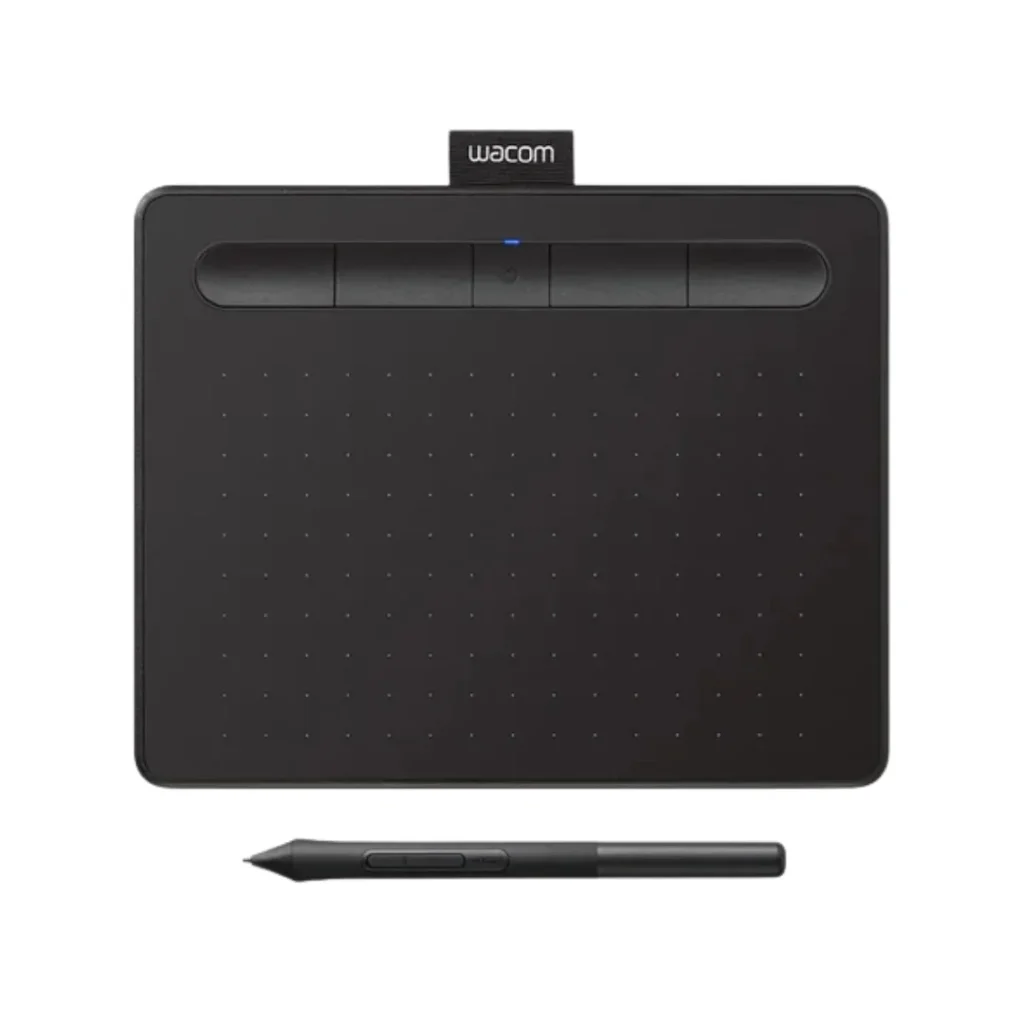
Wacom Intuos small Black CTL-4100K-N
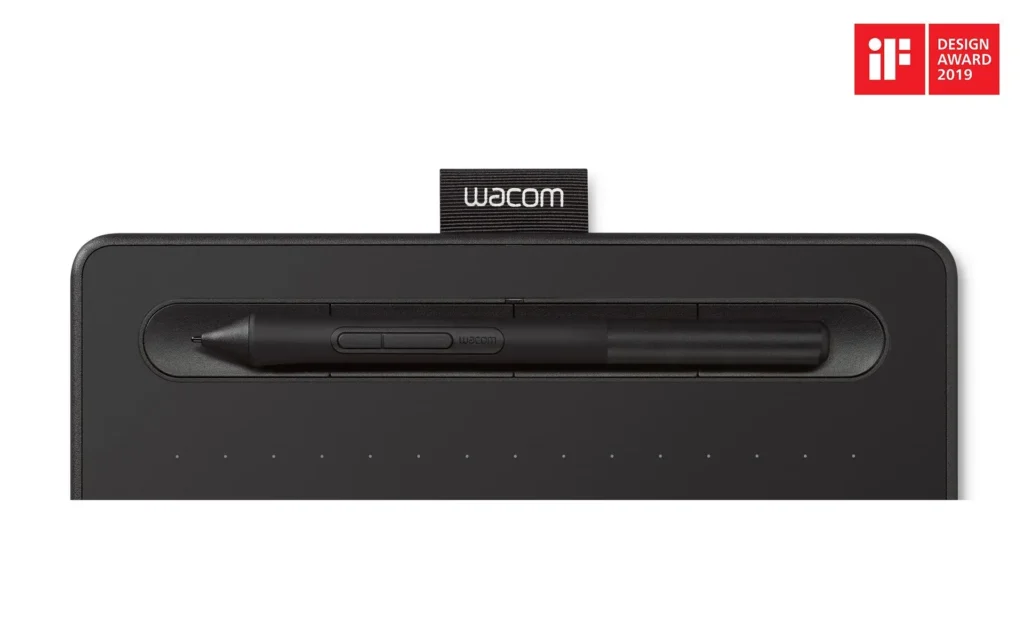
The Wacom Intuos small Black CTL-4100K-N is a great way to get started with digital drawing – it’s affordable and easy to use, making it perfect for beginners, students, and those new to digital art. You get a reliable tablet with a battery-free pen that has 4,096 levels of pressure sensitivity, so you can create a wide range of lines and effects.
• Entry-level price point — most affordable Wacom tablet
• Active area: 152 × 95 mm
• Wacom Pen 4K: 4,096 pressure levels, battery-free EMR
• USB-A wired connection (no Bluetooth on this model)
• 4 customizable ExpressKeys
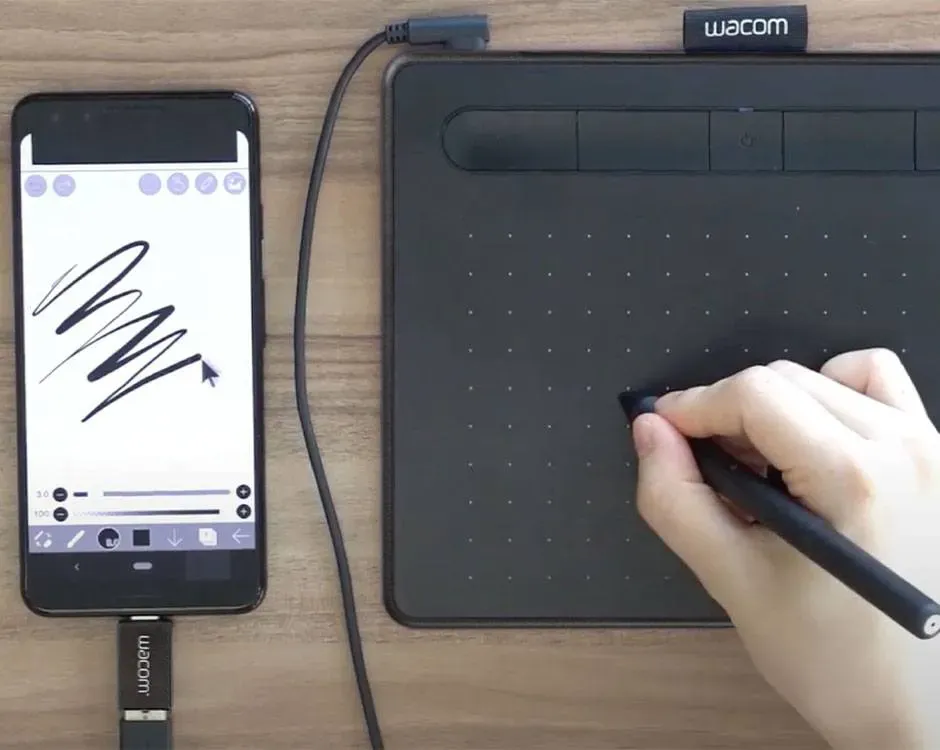
• Works with Windows, macOS, Android (6+), ChromeOS
• Includes Clip Studio Paint Pro 2-year license + Corel software bundles
• Compact: 200 × 160 × 8.8 mm, 230g
Tags: Wacom Intuos Pro
The CTL-4100K-N drawing area is 152 × 95 mm, giving you plenty of space to work on your projects. The tablet also has 4 customizable buttons that you can set up to do different things, like undo or zoom. It’s simple to connect to your computer using a USB cable, and it works with both Windows and Mac. Plus, it’s compatible with other operating systems like Android and ChromeOS. When you buy the tablet, you also get some free creative software, including a 2-year license for Clip Studio Paint Pro, which is a great tool for making comics, cartoons, and other kinds of art. Overall, the Wacom Intuos S Black CTL-4100K-N is a great choice for anyone looking to start drawing digitally without breaking the bank.
| Specification | Value |
| Model Code | CTL-4100K-N |
| Active Area | 152 × 95 mm (6.0 × 3.7 in) |
| Tablet Size | 200 × 160 × 8.8 mm |
| Weight | 230g / 8.1 oz |
| Pen | Wacom Pen 4K (LP-1100K), battery-free |
| Pen Pressure Levels | 4,096 |
| Accuracy | +/- 0.25 mm |
| Resolution | 2540 lpi |
| Reading Height | 7mm |
| ExpressKeys | 4 customizable |
| Bluetooth | No (USB only) |
| Connection | USB-A cable (1.5m, PVC-free, L-shape plug) |
| Color | Black |
| Compatible OS | Windows 7+, macOS, Android 6+, ChromeOS |
| Complimentary Software | Clip Studio Paint Pro 2yr, Corel Painter Essentials 8 (90-day), Corel Aftershot Pro 3 |
GET A FREE QUOTE
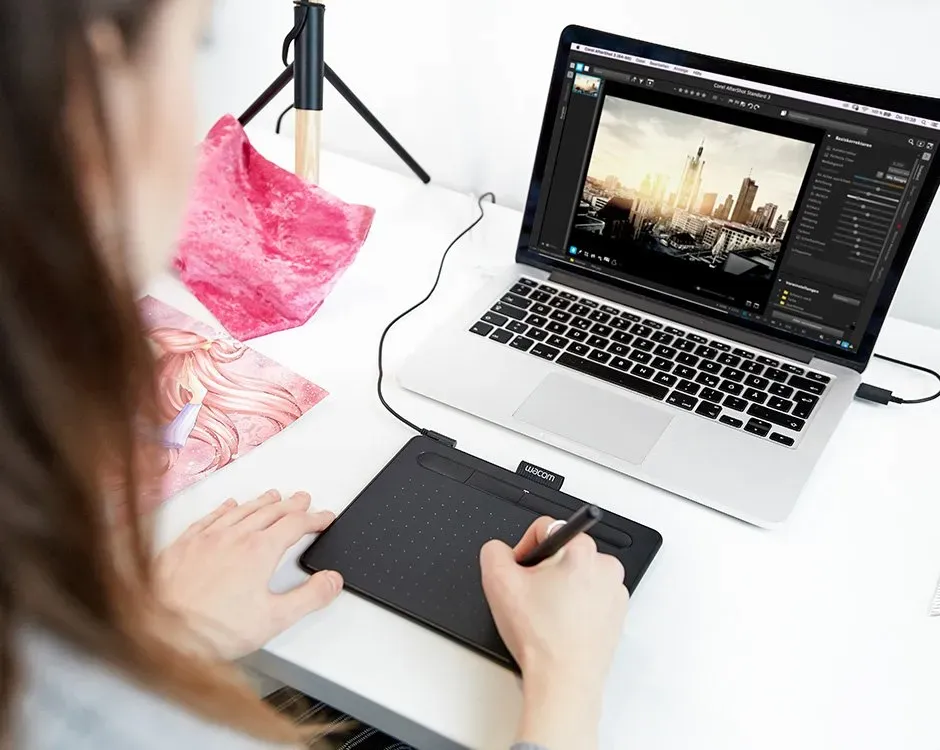
Great for Online Teachers & Students on a Budget
The Intuos S CTL-4100K-N is a great option for online teachers who want to write notes, add comments to PDFs, or draw pictures during their classes. They don’t need to buy a more expensive Bluetooth version. It’s also a good choice for students in the UAE who are learning about digital art and design. They can use it to create their own artwork without spending too much money. The Intuos S is a good value for the price, making it a popular pick for people who need a drawing tablet.
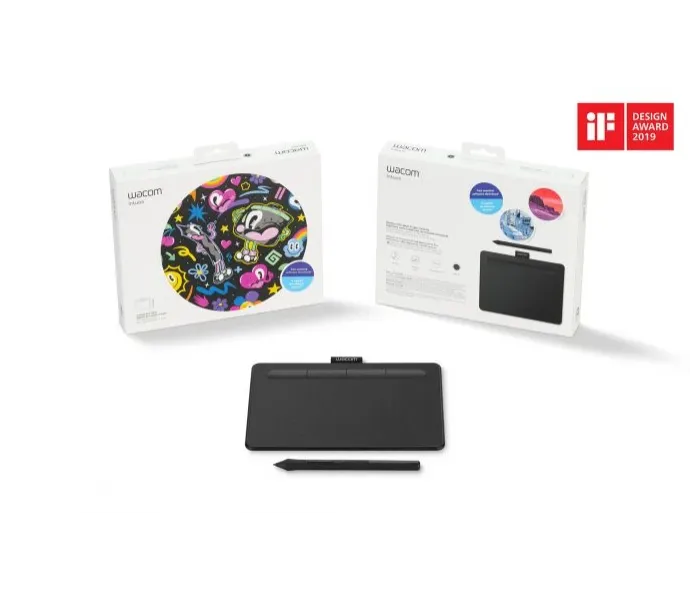
What's Different from the Bluetooth Version?
When it comes to connecting your device, you have two options with the CTL-4100: you can go with the USB model, or you can choose the one that also has Bluetooth 4.2 wireless. Except for how they connect, these two models are basically the same – they have the same pen, the same active area where you can draw, the same number of pressure levels, and the same ExpressKeys. So, if you’re someone who mostly works at a desk and doesn’t need to move around, the USB model is probably the way to go because it’s cheaper. But if you like being able to work without being tied down by a cable, then the Bluetooth model is the better choice.
Is the Wacom Intuos S good for beginners?
The Intuos S is Wacom’s recommended starting tablet for beginners. It delivers a natural pen feel, 4,096 pressure levels, and comes with two years of Clip Studio Paint Pro — providing excellent value for new digital artists.
Can I use the Wacom Intuos S with a Chromebook?
Yes. The Wacom Intuos S is compatible with ChromeOS. Pen must be used with the tablet to function on ChromeOS (driver not required for Chromebook use, but ExpressKey support requires a later ChromeOS version).
Wacom Intuos S vs Intuos M — which is better?
For most beginners, the Intuos S is sufficient. The Intuos M (CTL-6100WL) has a larger active area (216 × 135 mm vs 152 × 95 mm), which some users prefer for more natural arm movements. If budget allows, the M provides more drawing space.
What size should I expect from the Wacom Intuos Small CTL4100?
The Wacom Intuos Small CTL-4100K-N features a compact design with a 152 × 95 mm active area. It is ideal for limited desk spaces, students, beginners, and creators who need a portable drawing tablet.
Is the Wacom Intuos Small CTL4100 good?
Yes. The Wacom Intuos Small CTL-4100K-N is a reliable entry-level drawing tablet featuring 4,096 levels of pressure sensitivity, a battery-free pen, and customizable ExpressKeys, making it suitable for digital art, graphic design, photo editing, and online teaching.
Which should I choose: Wacom One or Wacom Intuos Small CTL4100?
Choose the Wacom Intuos Small CTL4100 if you prefer drawing while looking at your computer monitor and need a compact, affordable pen tablet. Choose the Wacom One if you want a pen display that allows you to draw directly on the screen for a more natural drawing experience. For graphic designers and digital artists, the best choice depends on whether you prefer a screen-based or screenless workflow.